.svg)





What's New in LegalOn
Feature Highlights
Review
Assistant
Vault
Playbooks
Matter Management
Translate
September 4, 2026
Read the Blog PostLegalOn now reviews the contract family, not just the primary document
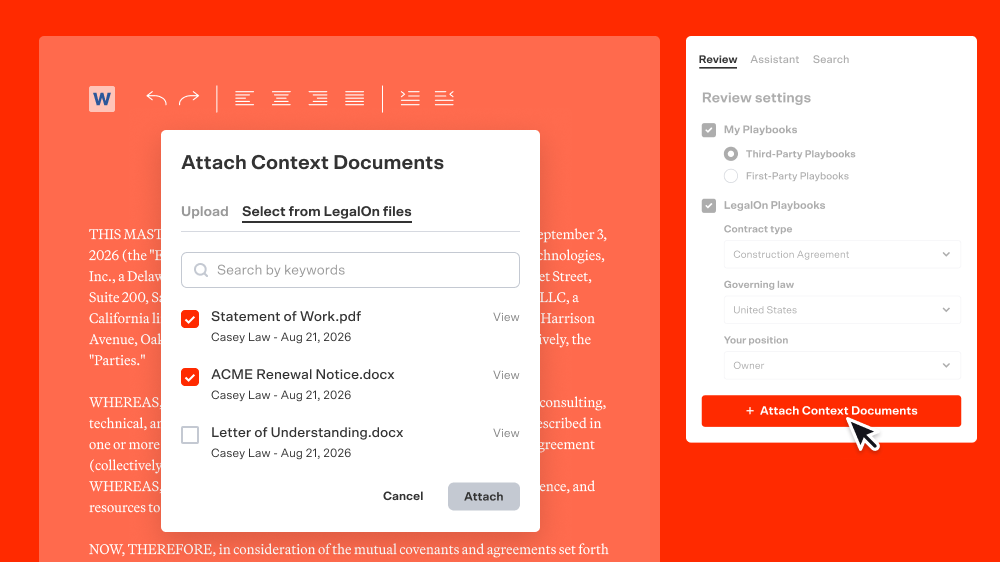
Cross-Document Review lets LegalOn reference related contracts—side letters, amendments, etc.—while reviewing your primary document. It catches inconsistencies you'd only spot by comparing documents side by side.
Every comment you've ever left in Word is now searchable
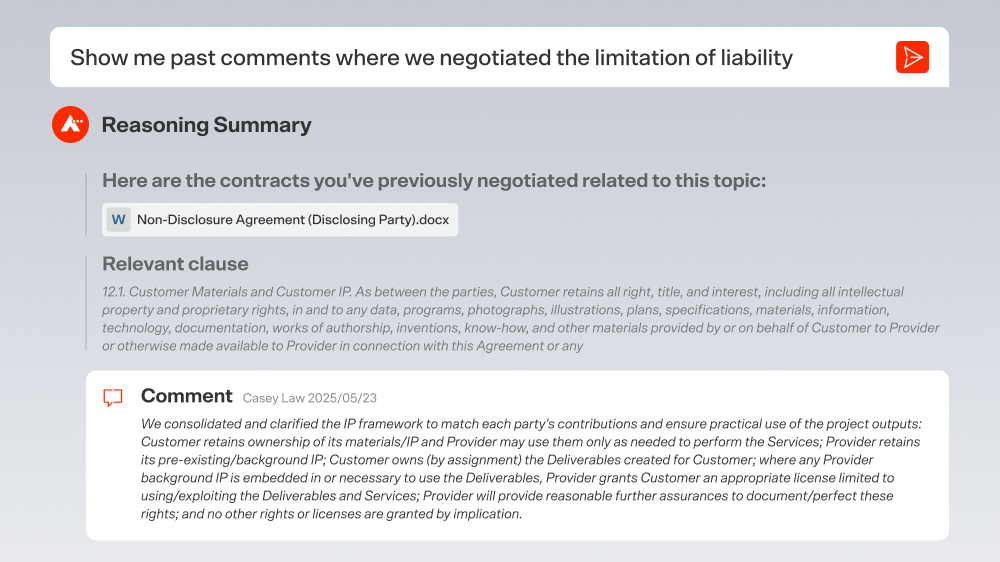
Searchable Negotiation History lets you find any past comment on demand. Ask your LegalOn Assistant in plain language, or search as you normally would, then select "Word comments" to narrow your results to comments left in Word documents. Filter by governing law, contract type, author, counterparty, status, or date range to narrow it down.
In Practice Tip: Before you dig through six months of contracts trying to remember which one had your note on a counterparty's limitation of liabilities, ask your LegalOn AI Assistant. Searchable Negotiation History finds it in plain language, and you can filter by governing law, contract type, author, counterparty, status, or date range to narrow it down fast.
AI Revise now fixes missing-provision alerts for you
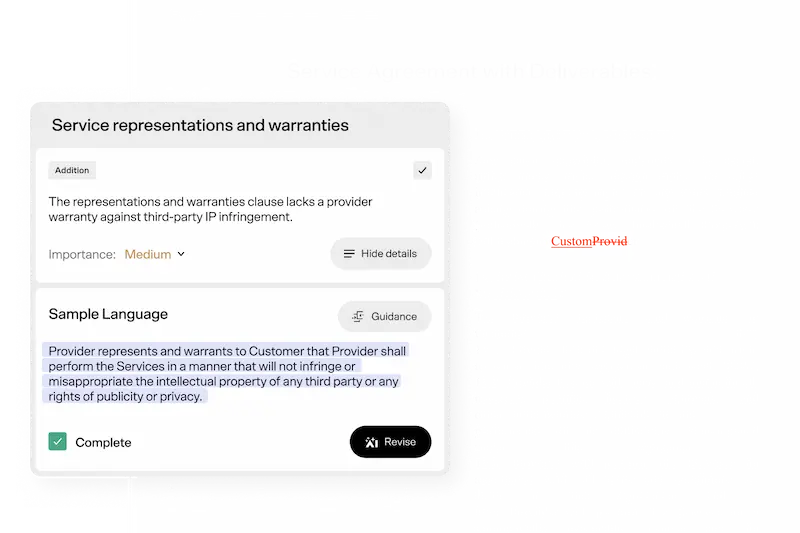
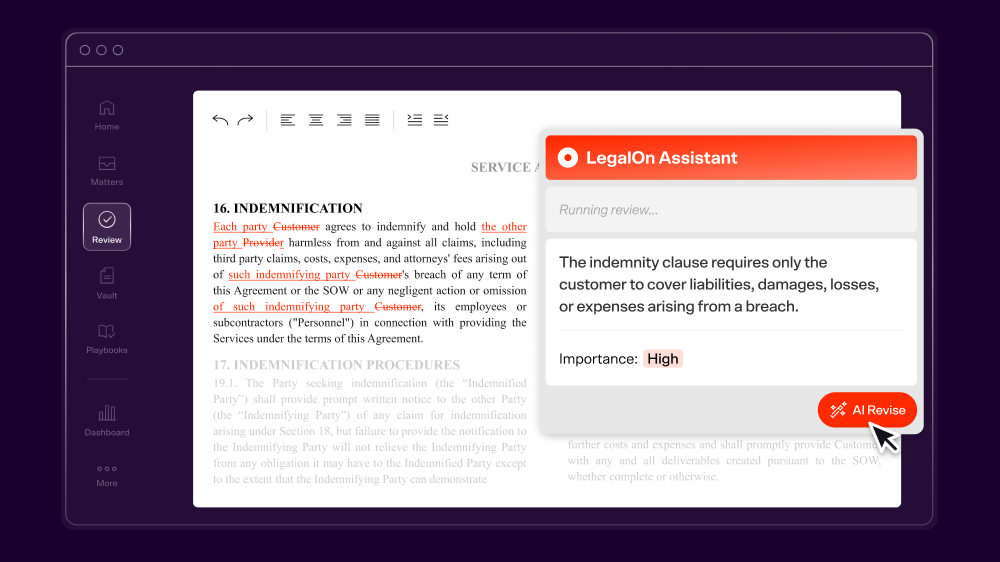
When LegalOn flags a missing provision, AI Revise suggests the right language and drops it into the contract in the right spot. Live now in the Word Add-in and Word for the web.
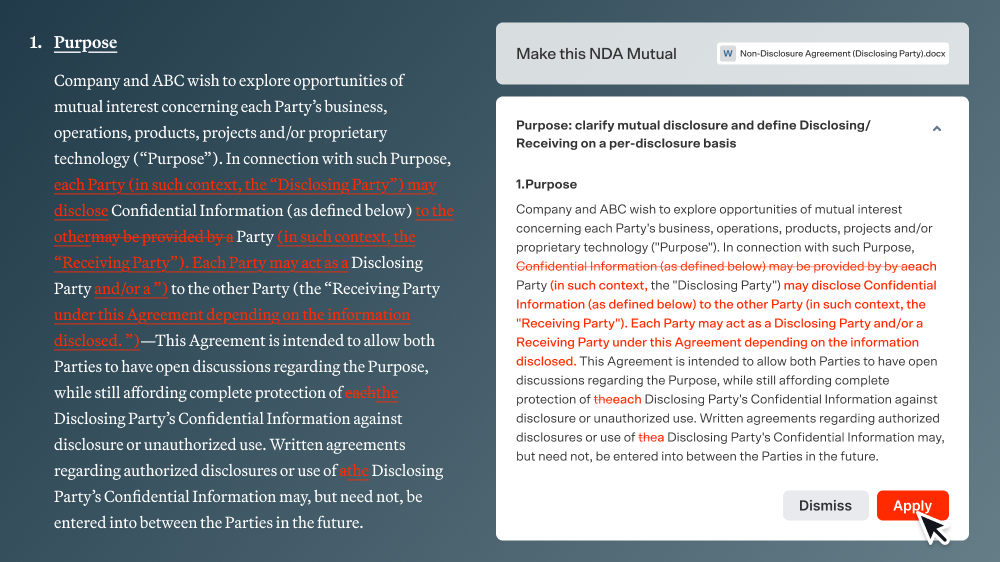
Send redlines under a set name, not just your own
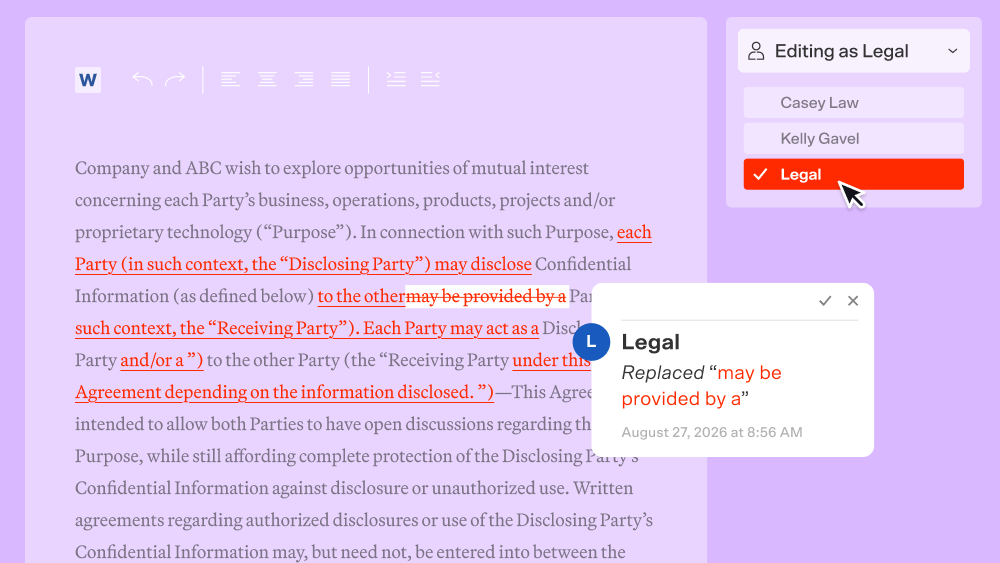
Set an editor name like "Legal" to show as the author of your comments and tracked changes in Word for the Web. It carries over to downloaded review-result .docx files too, so a redline can go back to a counterparty under a department or company name instead of yours.
Redline Preview in Direct Edit just got a lot faster
You can now review and apply redline suggestions in real-time, instead of waiting for the preview to catch up. Same direct edit experience, just faster to use.
July 31, 2026
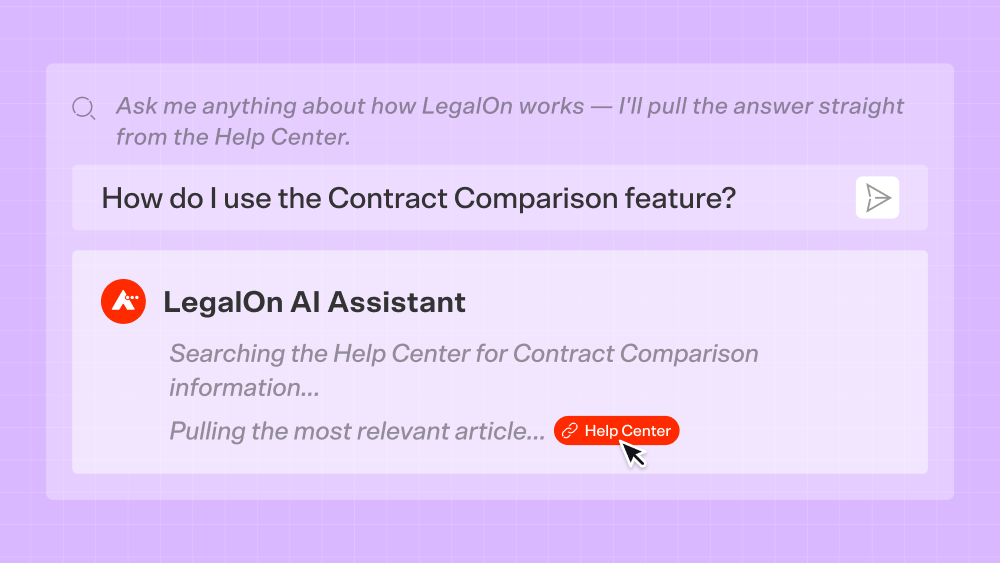
Read the Blog PostThe Assistant now answers your how-to and feature questions directly
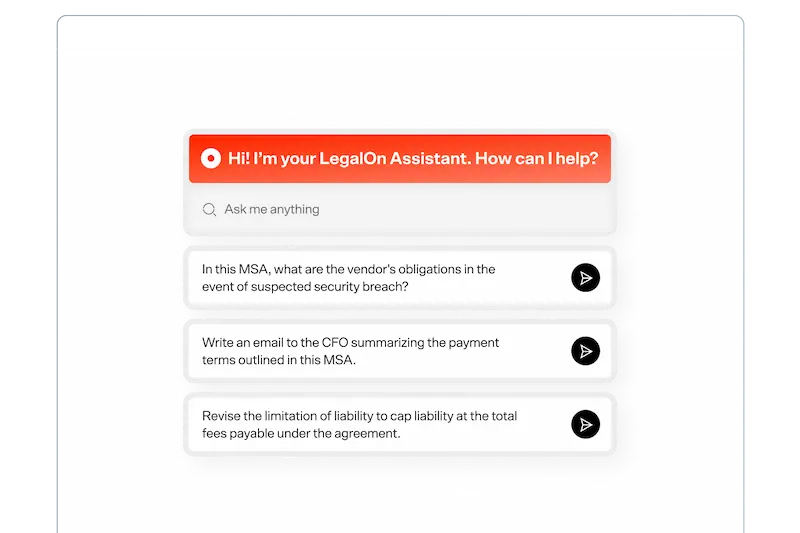
Pulling from official LegalOn Help Center articles, your Assistant now answers how-to and feature questions directly, pulling from official LegalOn Help Center articles and linking to the source every time.
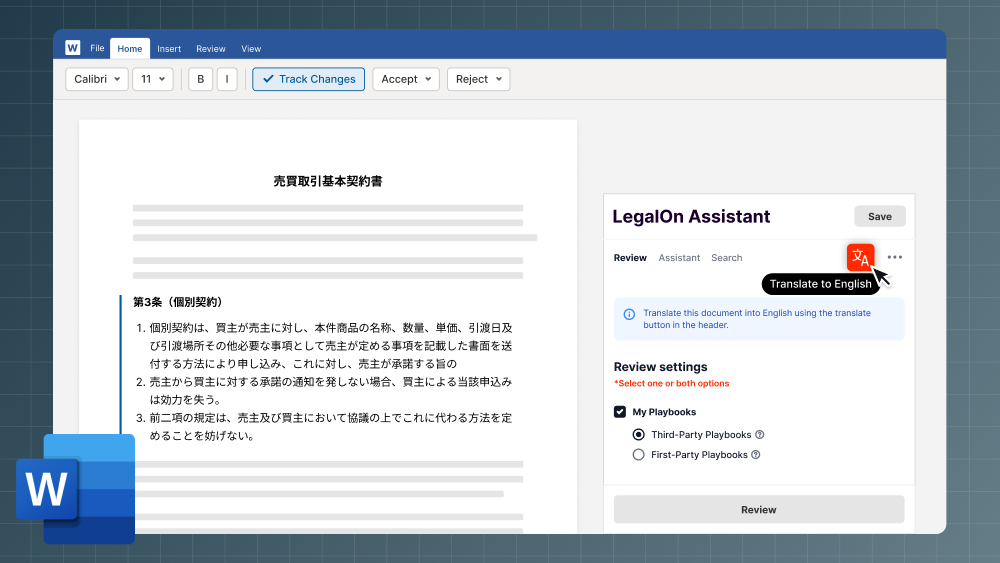
Translate is now available in Word for the web and the Word add-in
A Translate button now appears below the Save button in both Word for the web and the Add-in so you can translate between dozens of languages without leaving the editing screen or interrupting your review workflow.
July 28, 2026
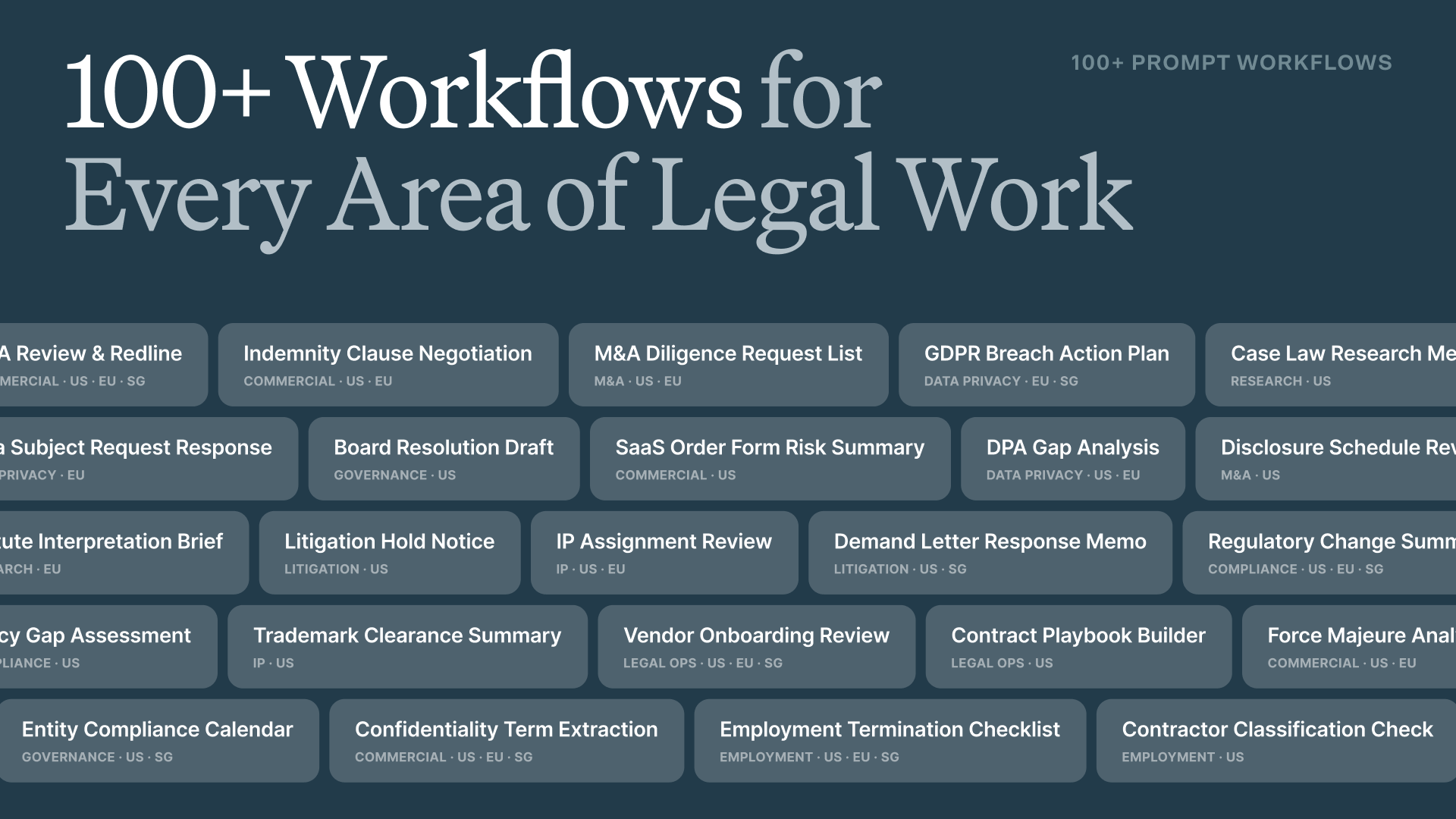
Read the Blog Post100+ attorney-built workflows: From prompt to done
Draft an indemnity redline, structure a termination clause, build a negotiation-ready counterproposal, and generate a contract summary for non-legal stakeholders — organized by practice area, ready to run, yours to customize, save and share. No prompt-engineering required.
July 8, 2026
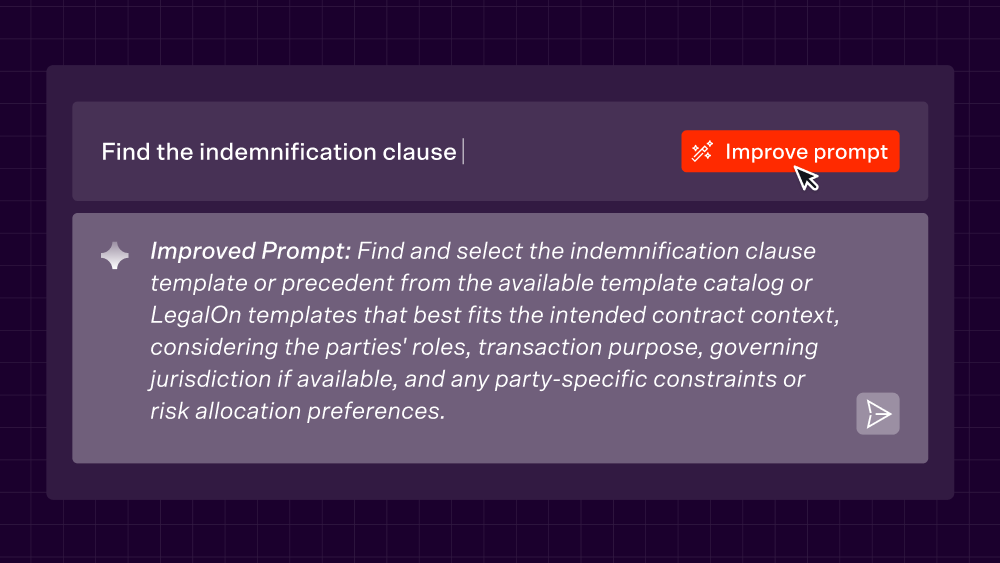
Read the Blog PostImprove your prompts with one click
The LegalOn Assistant can now rewrite your prompt into a more precise, legally-structured version—just click "Improve Prompt" and it handles the rest. No prompt engineering required.
Attach Files to Prompts
Attach a file once, save the prompt, and reuse it with the file already in place—no re-uploading required.

June 24, 2026
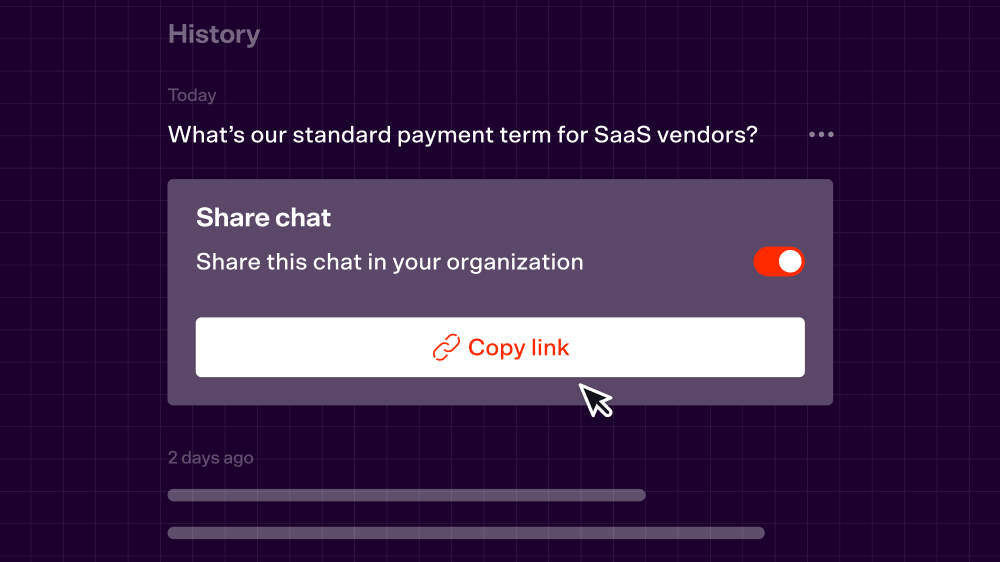
Read the Blog PostShare your Assistant conversations with your whole team
Share your conversations with the LegalOn Assistant so anyone in your organization can view them. Better collaboration and more transparency in a single click.
June 11, 2026
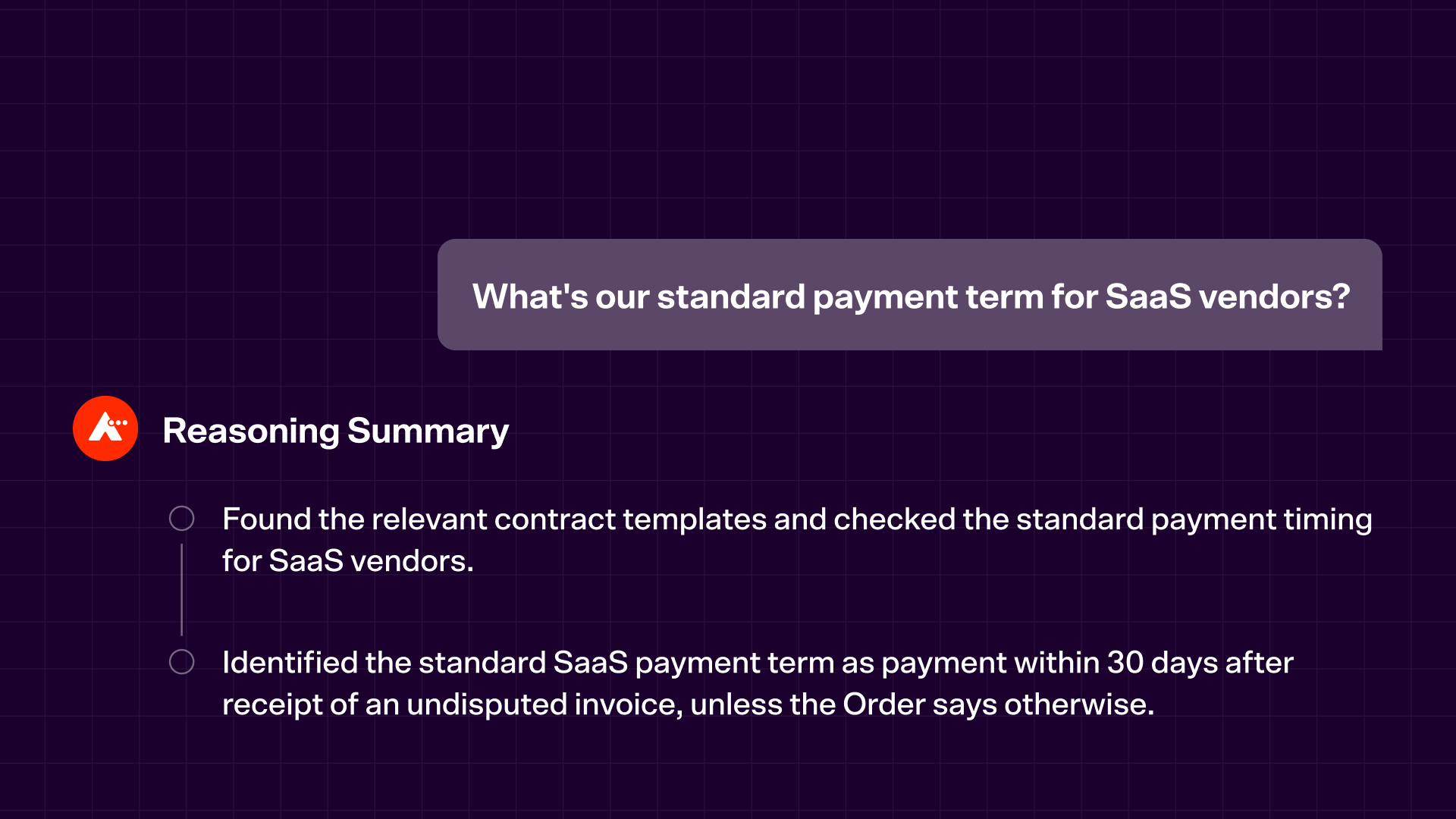
Read the Blog PostSee exactly how LegalOn thinks through your contract
LegalOn now shows you its reasoning in real time — step by step, as it happens. Watch it check for inconsistencies, prepare redlines, and surface issues as it works. A clean summary lands when it's done, so you always know what it found and why.
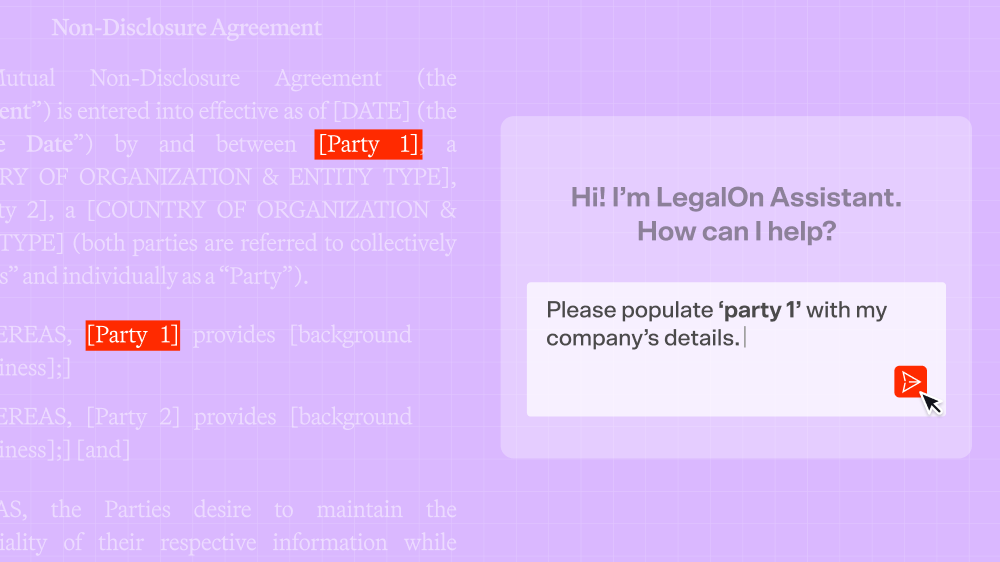
Company Intelligence: LegalOn understands your business
LegalOn now draws on your registered company information — name, address, affiliated entities — when drafting and reviewing contracts. No manual entry, no repeated setup. Your business context is built in."
Find the right prompt, fast
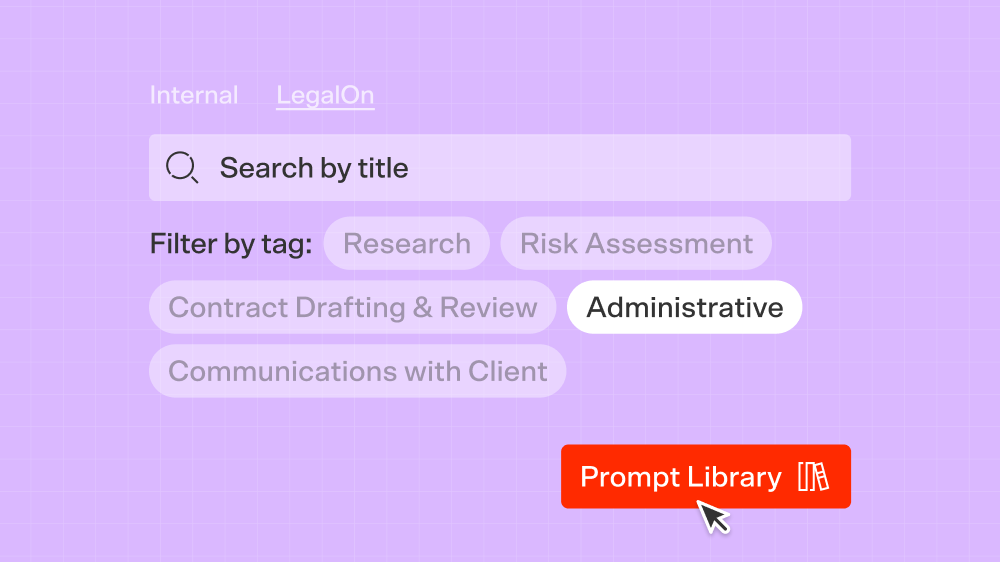
The Prompt Library on the LegalOn Assistant chat screen now lets you filter LegalOn's official prompts by tag—Contract Drafting & Review, Research, Risk Assessment, and more. Combine tag filtering with title search or your Favorites view to get to the right prompt without the friction.
April 29, 2026
Read the Blog PostLegalOn Vault: Turn signed contracts into business intelligence
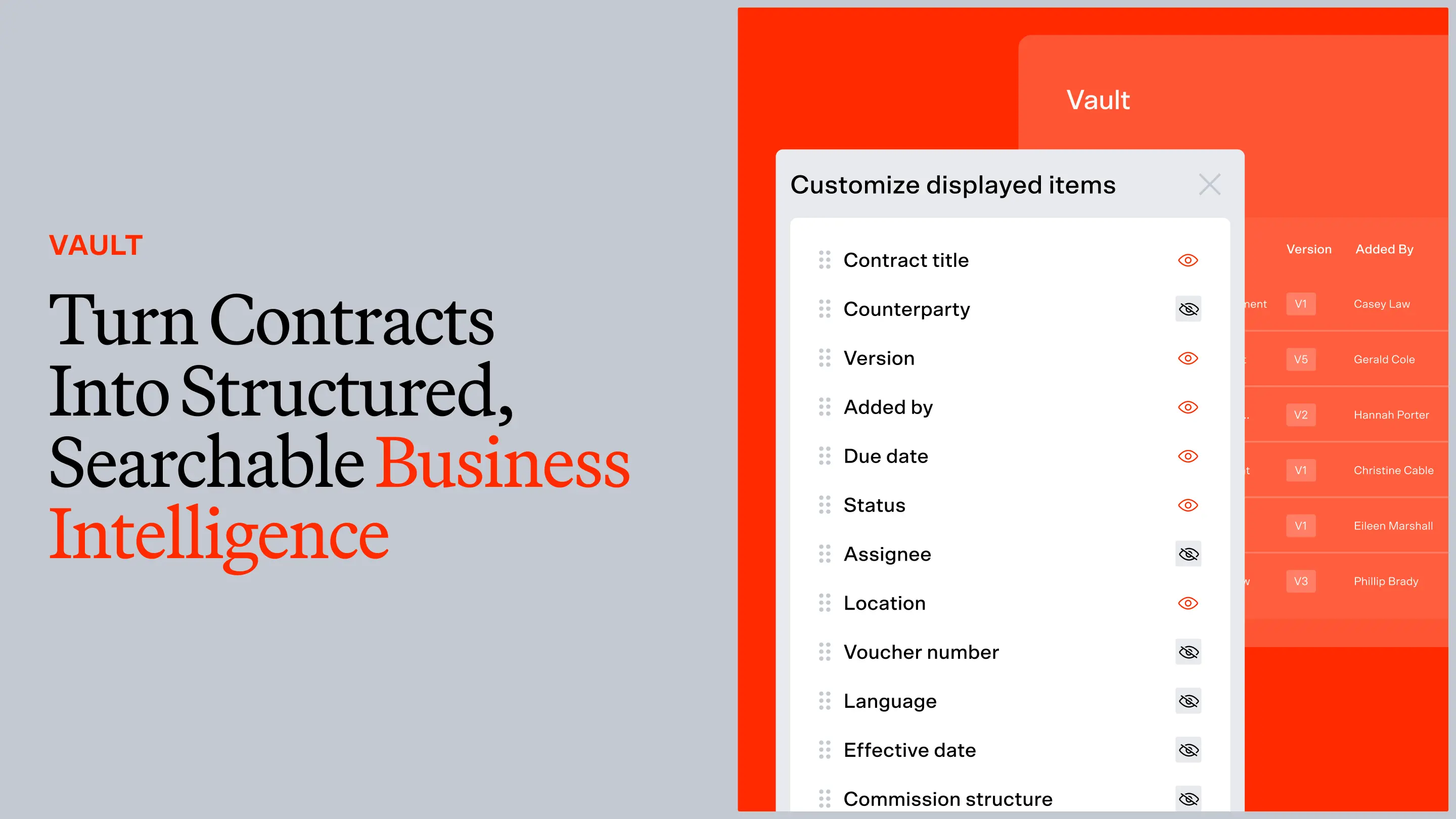
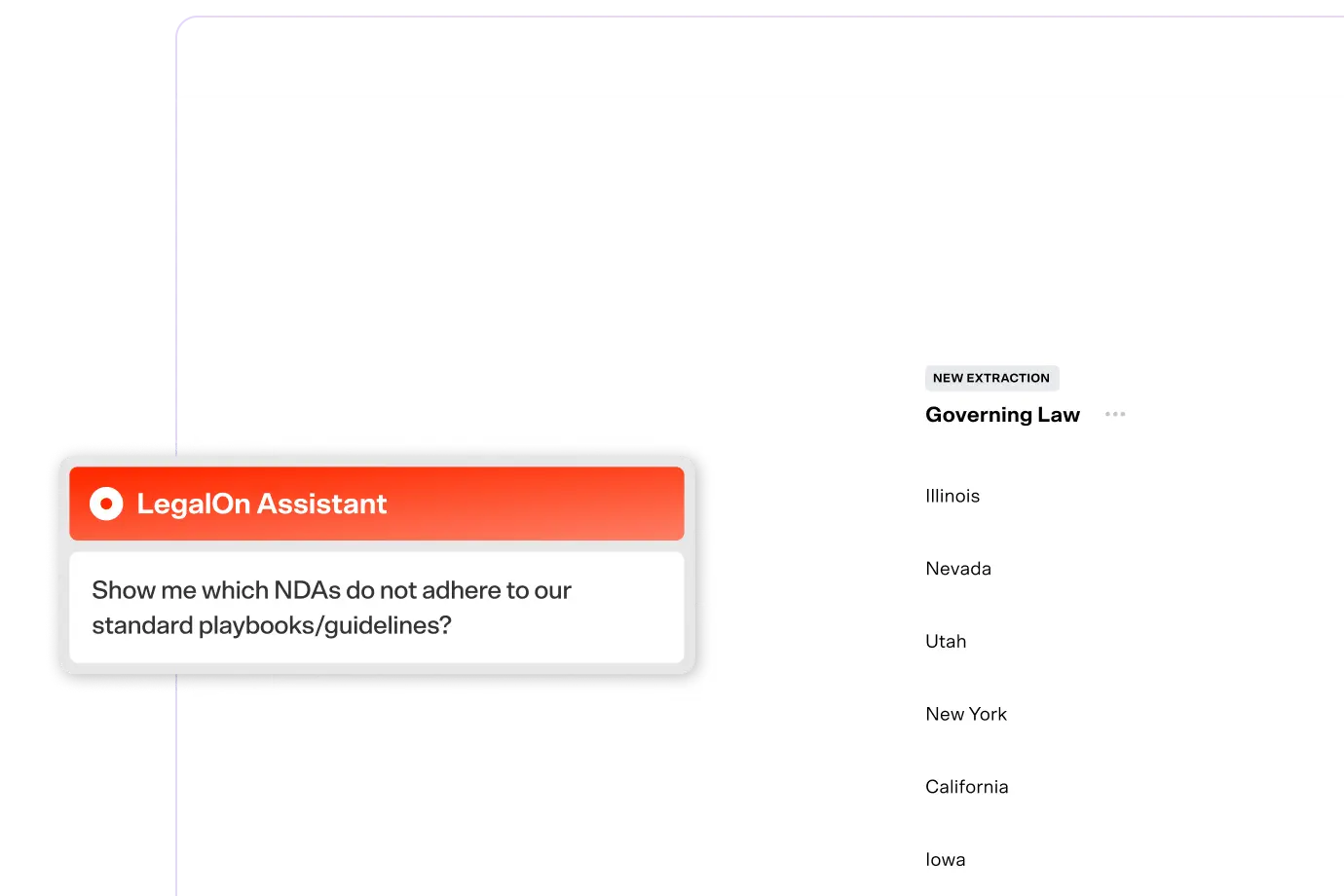
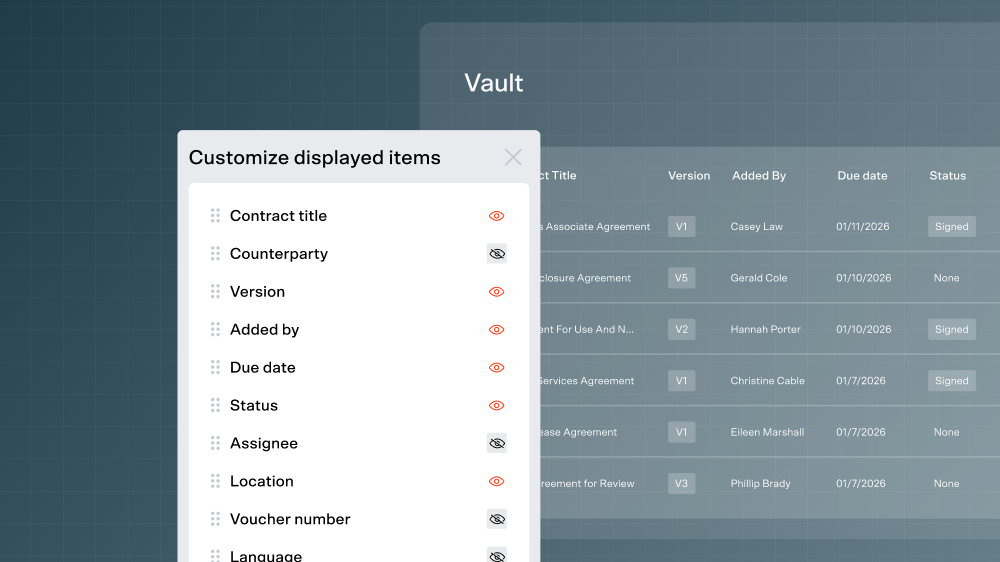
Most contract tools stop at signature. LegalOn Vault picks up where review ends — turning your executed agreements into structured, searchable data so you can track obligations, surface risk, and act on what you've already negotiated. Your contract history finally works for you.
April 7, 2026
Read the Blog PostAutomatically create playbooks from templates
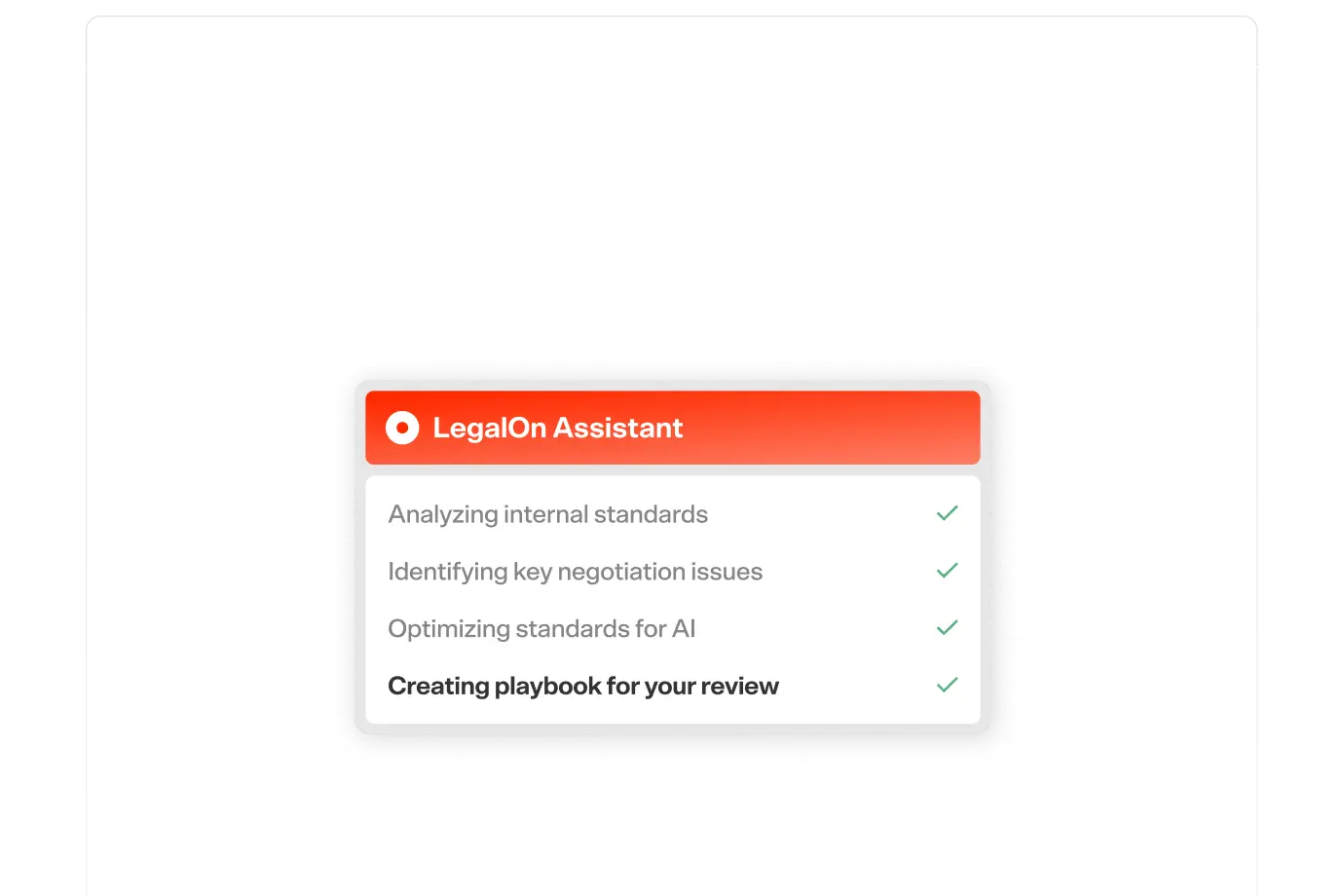
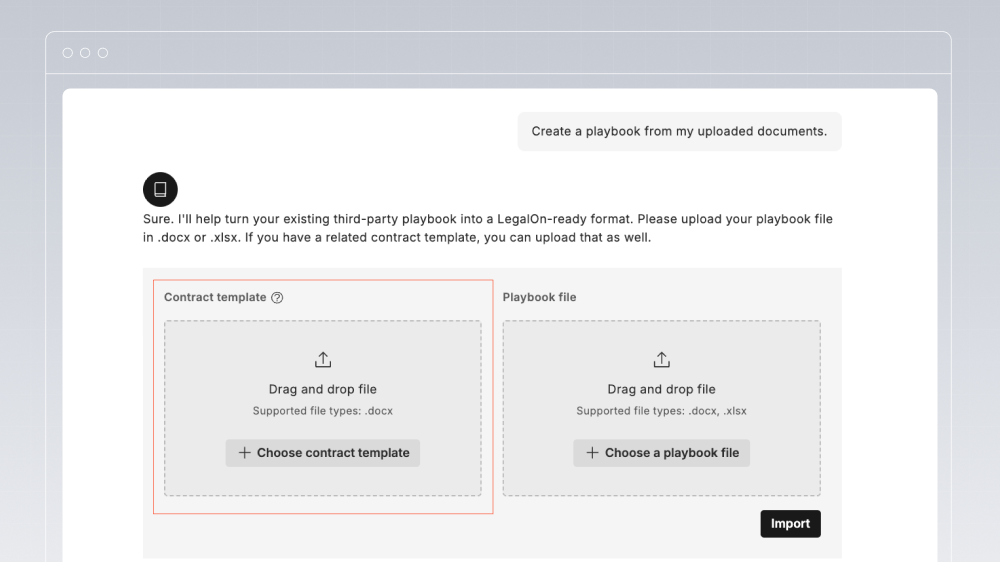
LegalOn’s Playbook Agent now transforms templates into structured playbooks, so teams can launch AI reviews grounded in their templates even without a prebuilt playbook.
Find any document in a matter, instantly
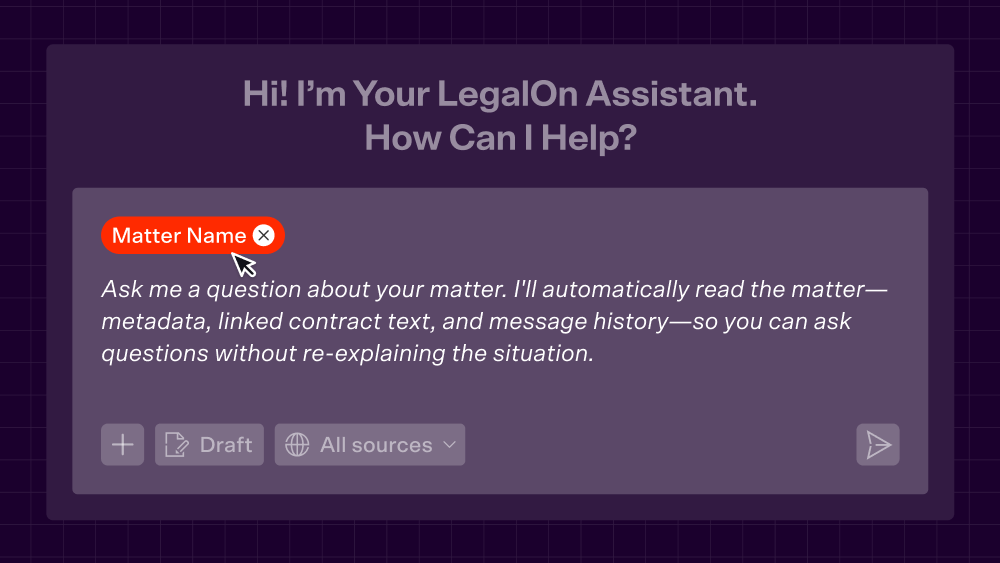
Stop re-uploading files you already have — it’s a waste of your time. For teams with Matter Management, natural language search now works across every file in a matter. Ask for the amendment history on a deal, the agreement where a particular fee was set, or all documents tied to a matter.
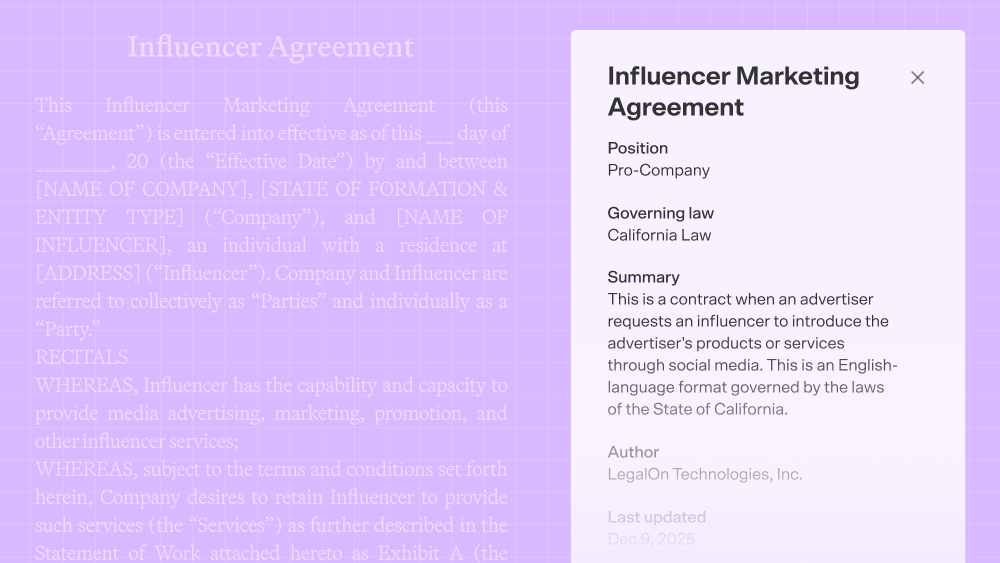
A better way to manage influencer agreements
Draft and review influencer agreements faster using pre-built, market-standard language and automated issue spotting. With this new template, you're not reinventing terms from scratch for every deal and your brand and compliance requirements are enforced consistently.
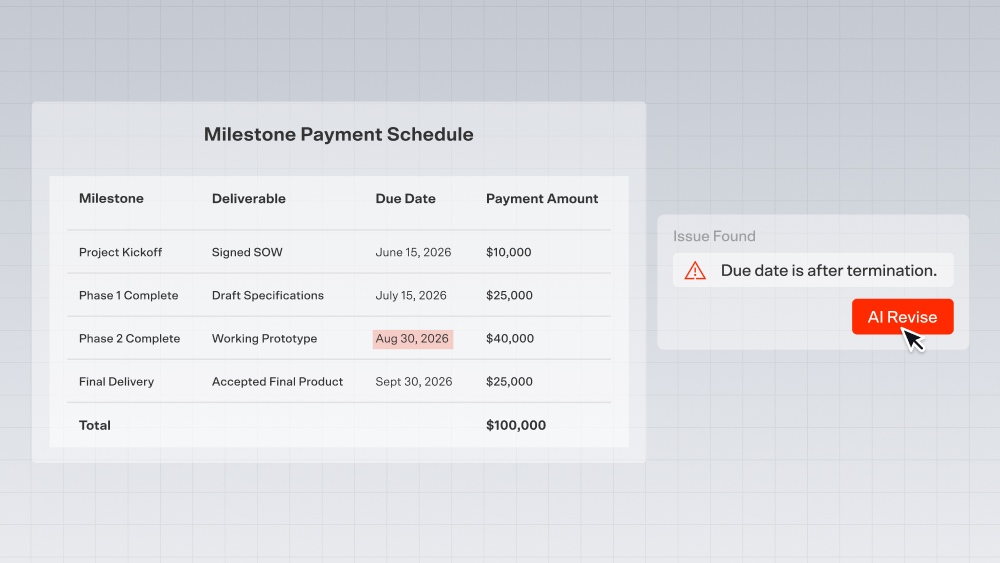
Playbook standards that apply to every cell, not just running text
LegalOn now reads and evaluates table content the same way it reads regular text. If something in a table violates your playbook, LegalOn flags it, highlights the specific cell, and takes you straight to it. With AI Revise now available for table alerts, you can fix it in one click.
April 7, 2026
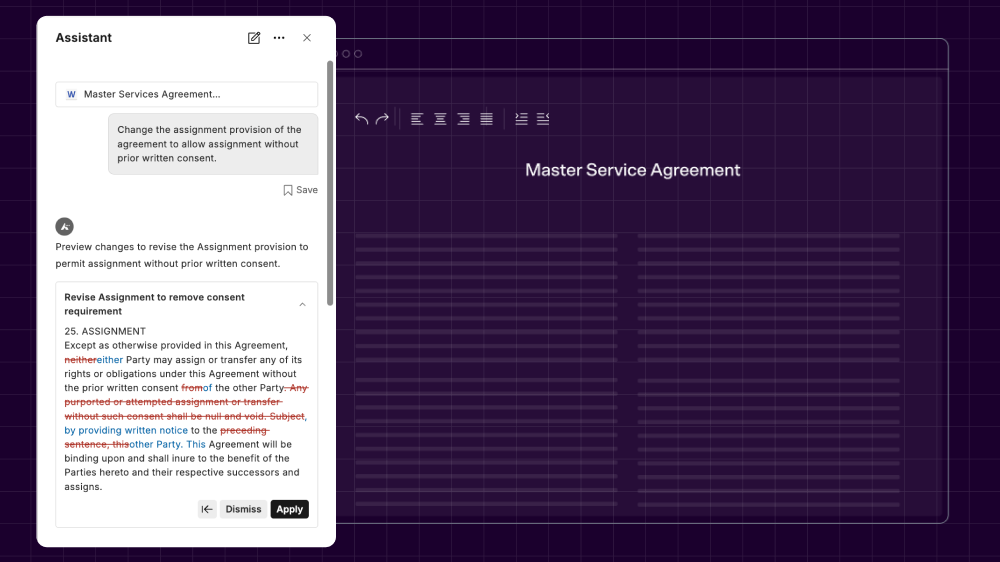
Read the Blog PostAccept AI suggestions as direct edits, right inside Word
Preview AI-generated redlines and apply them directly in Word, making it easy to review and compare changes at a glance. If you like what you see, all it takes is one click to insert the suggested edits to your contract.
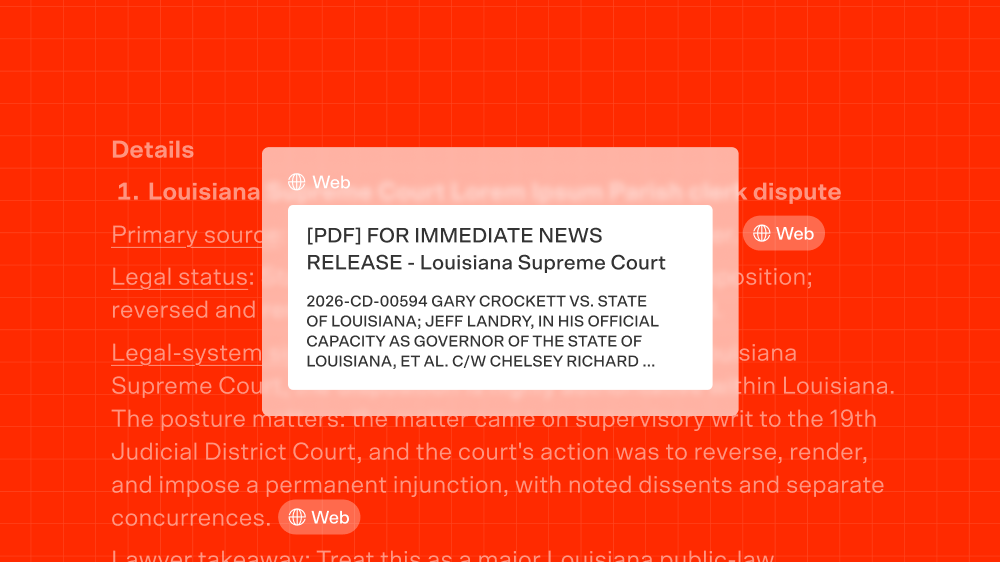
Know exactly where every answer came from
With Inline Citations, sources are now linked directly within LegalOn's AI responses. Hover over any citation for a preview card showing the source title and type then click through to the exact passage. This isn't a footnote at the bottom; it's attribution at the point of reading, so you can assess credibility before you act on an answer.
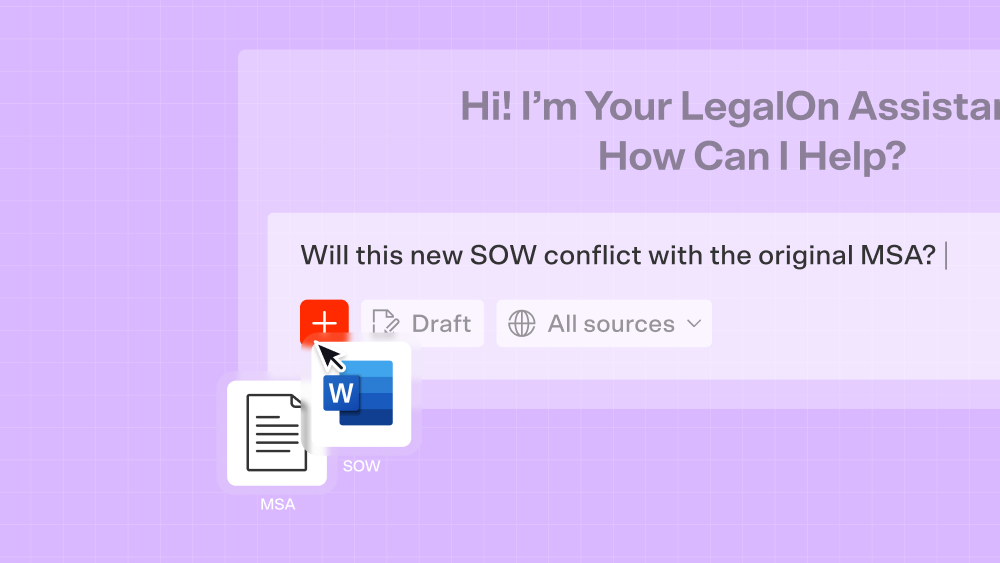
Review your whole deal in one conversation
Upload up to 20 files — or pull in documents already stored in LegalOn — and reference them all in a single AI conversation. Ask whether a new SOW conflicts with the original MSA or check whether a renewal amendment changes payment terms from the prior version. LegalOn synthesises across your documents and returns one answer. Supports PDF, .docx, .xlsx, and .pptx.
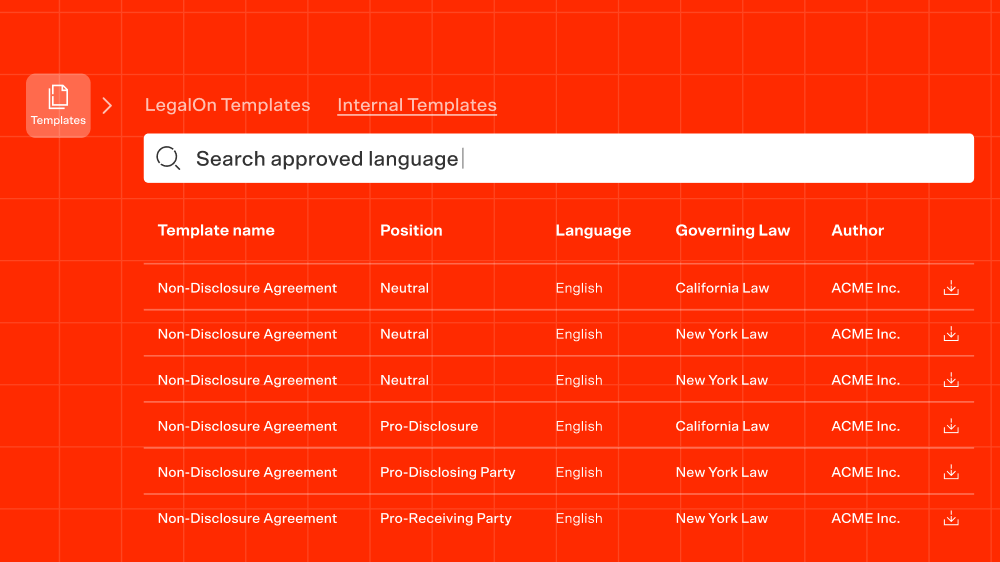
Your approved language is now searchable
Search now spans across your company templates and LegalOn templates alongside contracts, all in one place. Surface approved language instantly, reduce inconsistency, and build toward a unified legal knowledge base that actually reflects how your organization works.
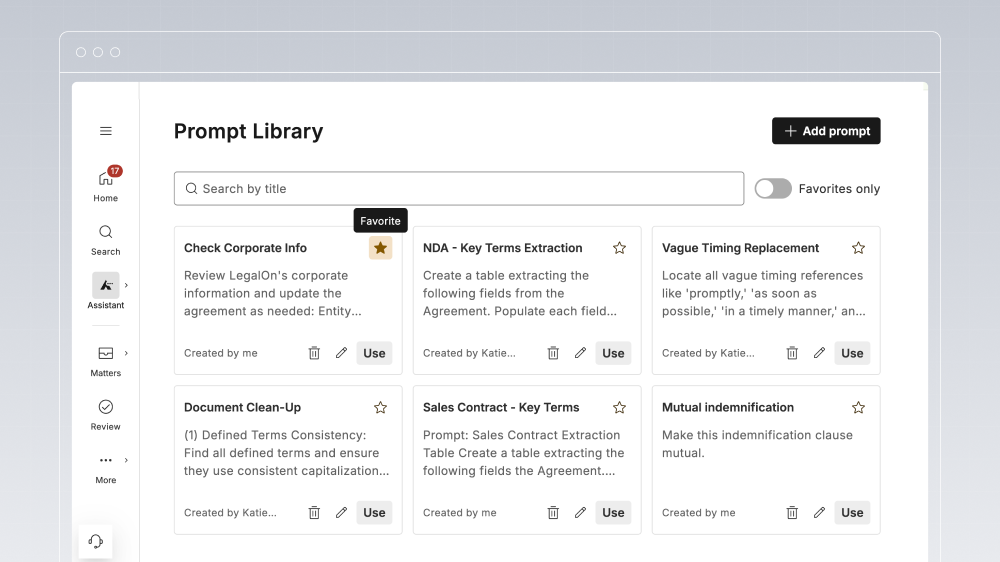
Your best prompts are now only one click away
Star any prompt as a favorite, filter to show only your favorites, and have them automatically prioritized at the top of the list. It's a small change with a real payoff, especially if you're doing high-volume review with a consistent set of go-to prompts.
March 25, 2026
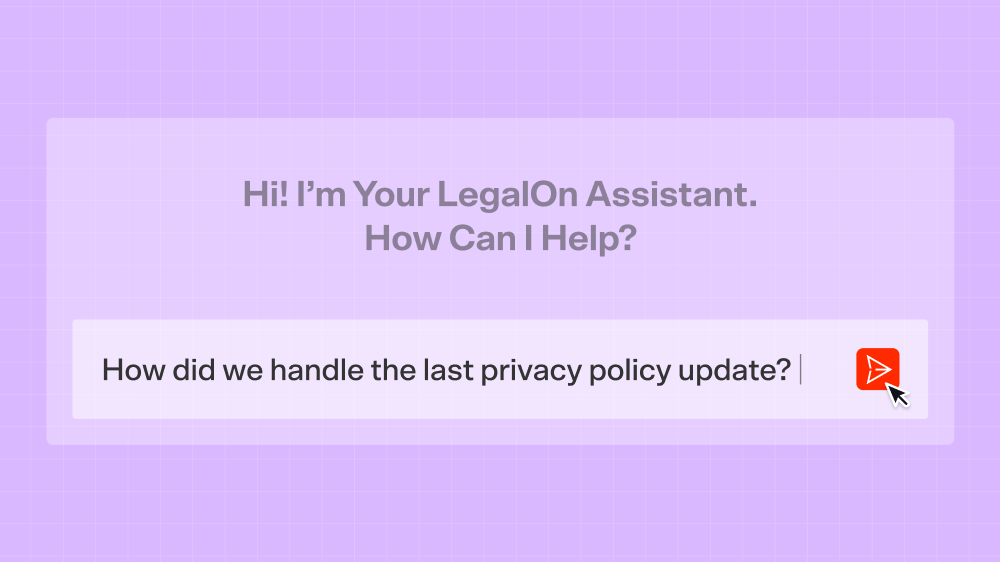
Read the Blog PostMatter Intelligence: Your entire matter history, searchable in plain language
Your best precedent is already in your past work. Ask the LegalOn Assistant to find any term, clause, or counterparty across your matter history — results in seconds, no search syntax required.
March 23, 2026
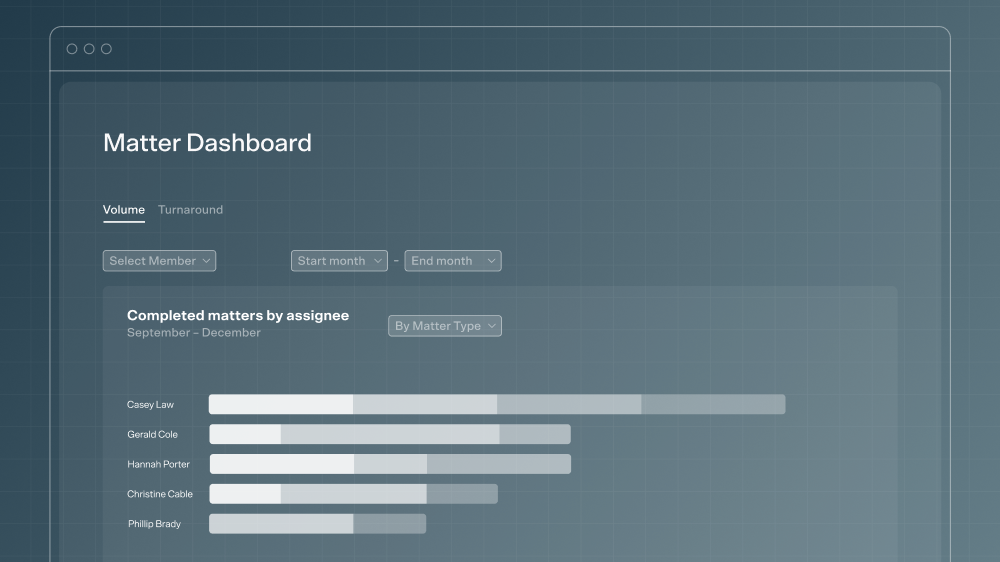
Read the Blog PostMatter Dashboard: A real-time view of every open matter
See who's requesting work, where things are moving, and where they're stuck. Spot bottlenecks early, balance workload across the team, and make smarter decisions about where legal time actually goes.
March 19, 2026
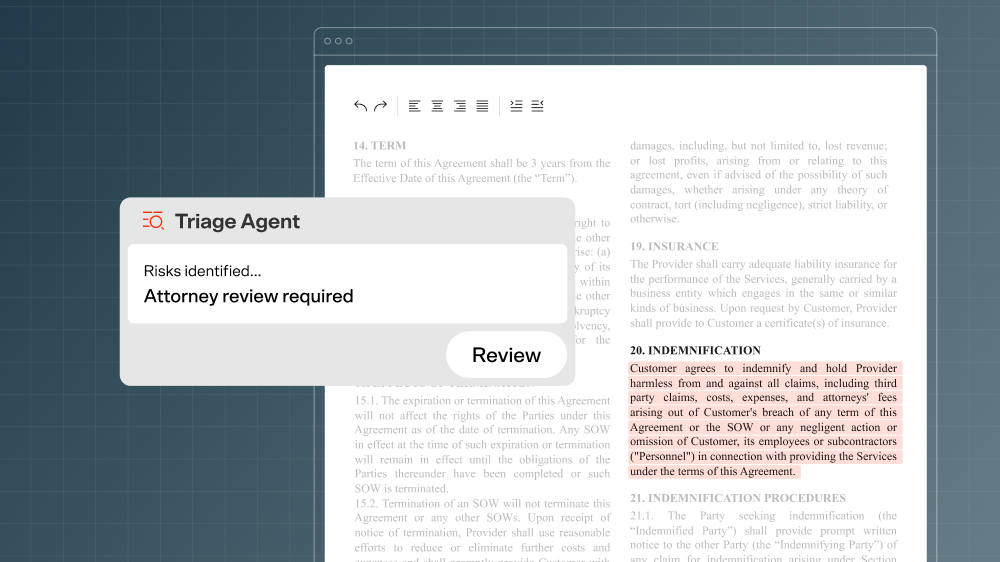
Read the Blog PostTriage Agent: A clear read on every contract before you dive in
LegalOn’s Triage Agent reads your document, assesses its complexity and risk level, and tells you what needs your attention before you ever need to look at the contract. Spend your time on the contracts that actually require it, not the ones that don’t.
March 4, 2026
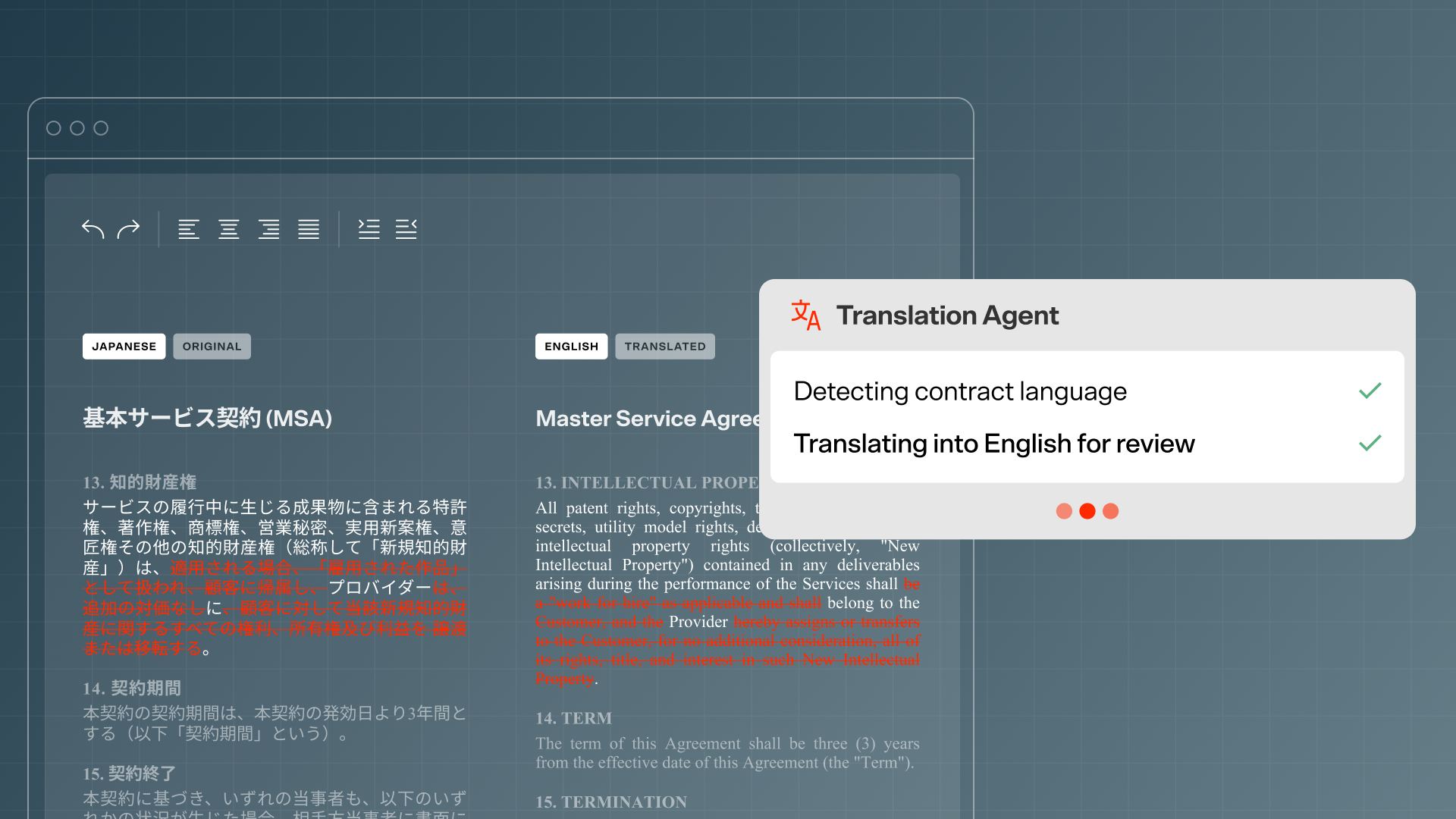
Read the Blog PostTranslate: Contract review in 28 languages — with redlines that translate themselves
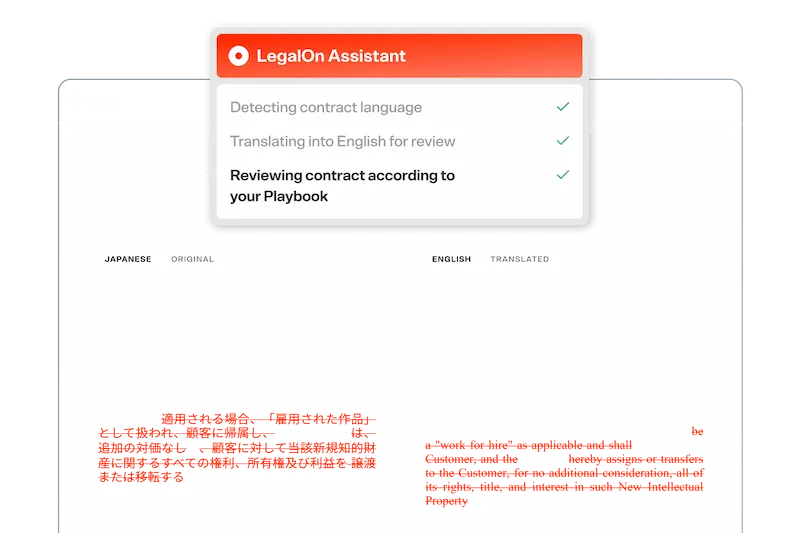
Contracts are automatically translated to English for review, then translated back to the original language when your edits are complete. No separate translation tool, no version control headaches.
February 25, 2026
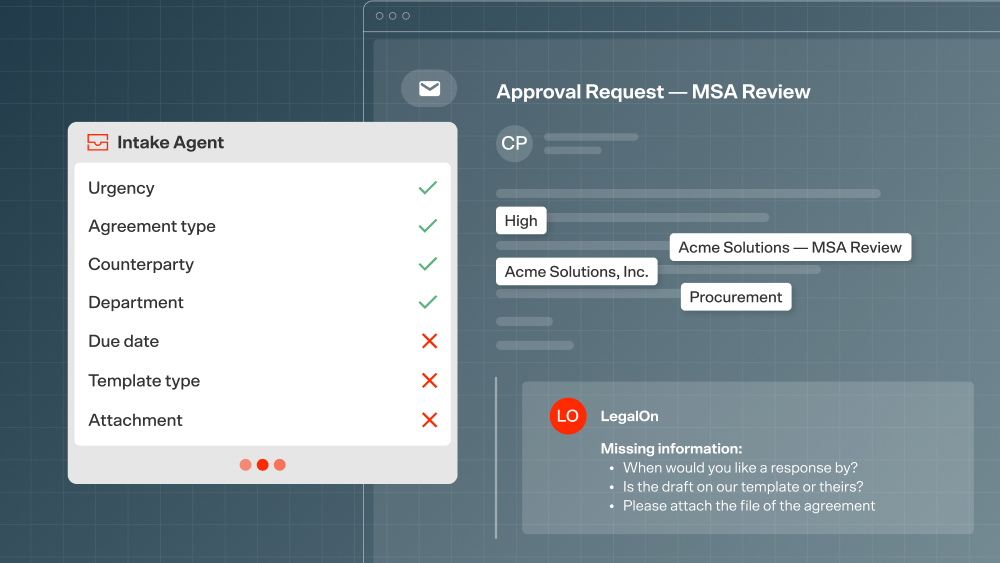
Read the Blog PostIntake Agent: Legal request coordination that runs itself
LegalOn’s Intake Agent captures incoming legal requests, routes them to the right workflow, and logs everything automatically. You focus on the legal work. LegalOn handles the
January 14, 2026
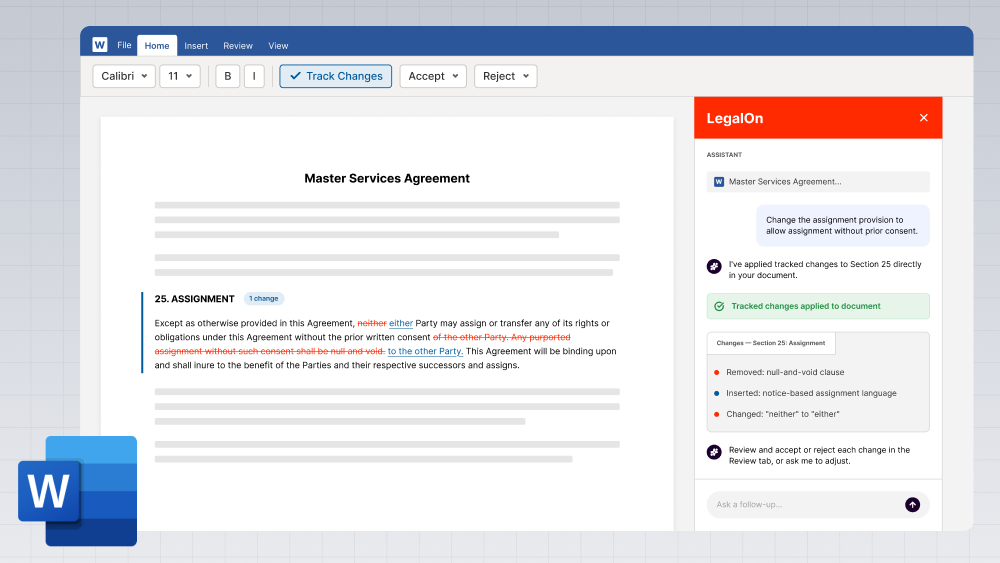
Read the Blog PostAI-suggested edits, applied as tracked changes inside Word
LegalOn makes the edits; you review and accept. No copy-paste, no switching windows. Works in both Microsoft Word desktop and Word for the Web.
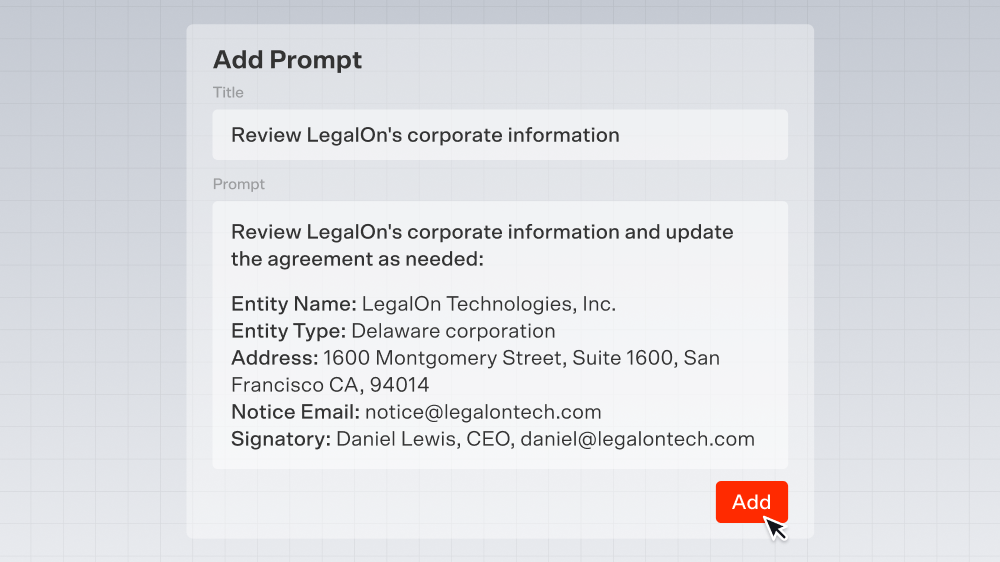
Prompt Library: Your best prompts, ready to use — every time
Pre-built prompts written by attorneys cover the most common contract review tasks. Save your own for reuse. The right instruction is always one click away.
December 16, 2025
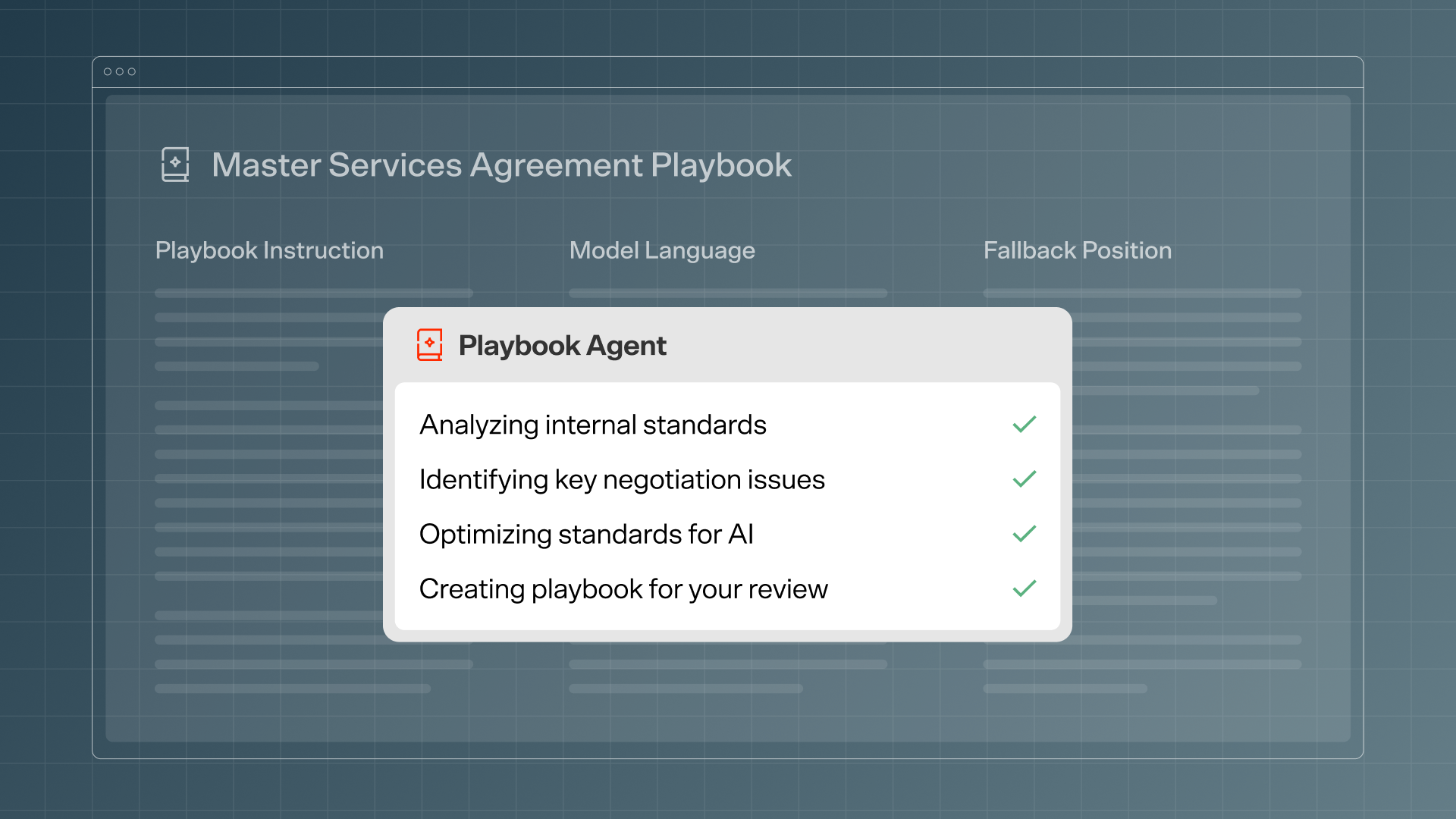
Read the Blog PostPlaybook Agent: Turn your existing guidelines into AI-ready contract playbooks
LegalOn’s Playbook Agent reads your existing standards — Word docs, spreadsheets, checklists — and turns them into AI-ready playbooks instantly. No rebuilding from scratch.
July 15, 2025
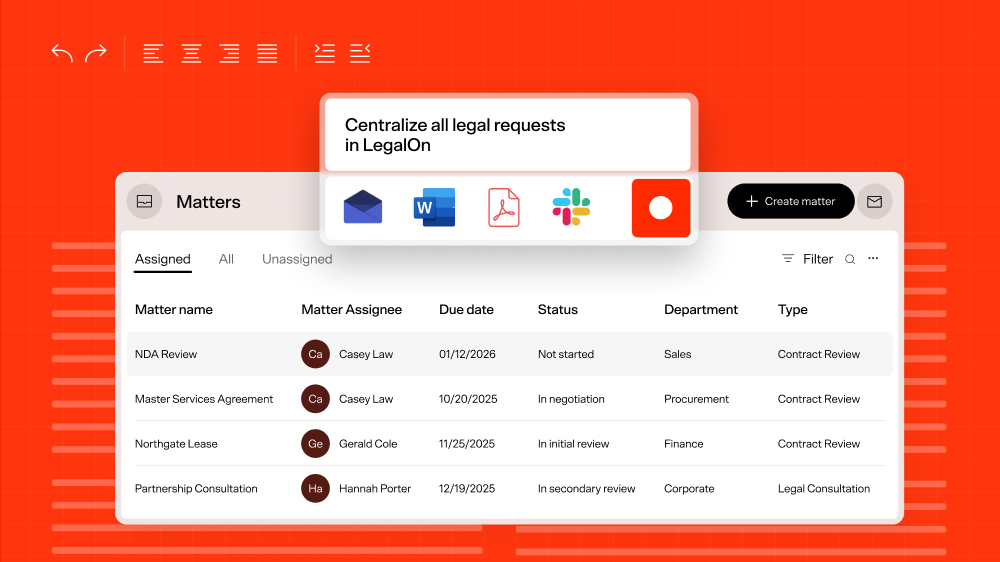
Read the Blog PostMatter Management: The full contracting lifecycle, managed in one place
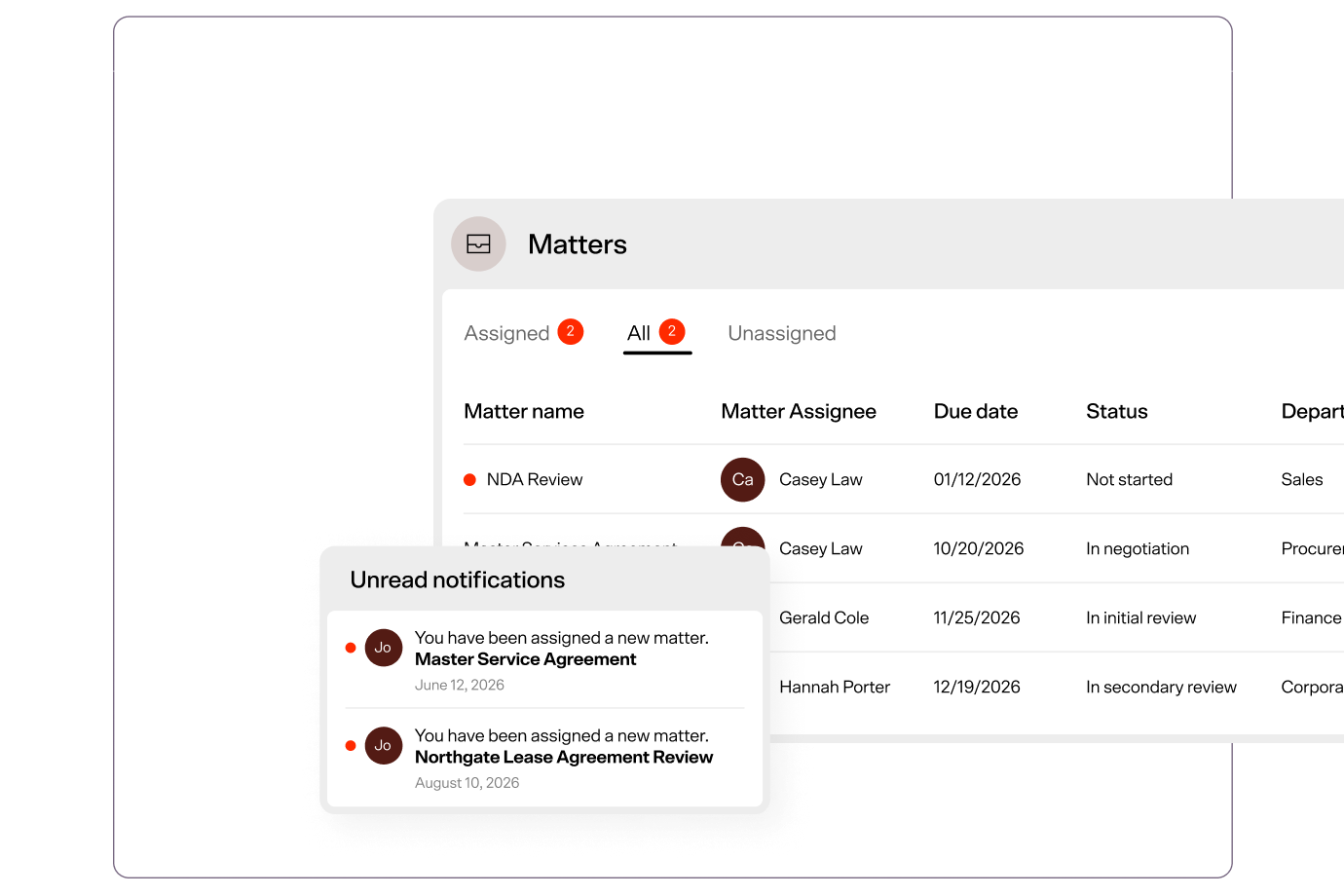
LegalOn now covers every stage of the in-house workflow — from intake through completion. Matter Management brings together AI, legal content, and your organization's own knowledge so nothing falls through the cracks between request and signature.
Experience LegalOn Today