.svg)


LegalOn continues building toward a productivity platform where legal teams aren’t just faster—they’re more visible, more connected, and less likely to let anything slip through. Three enhancements to the LegalOn Assistant this month move that work forward.
Improve your prompts with one click
The quality of an AI answer depends on the quality of the question. But writing a precise prompt takes time—and most people don't have a prompt engineer on the team.
One click handles it now. When you type a prompt in the LegalOn Assistant, you can click "Improve Prompt," and the Assistant rewrites it into a more specific, legally-structured version before running it.
Say you type: "What are the risks in this agreement?" Improve Prompt expands that into a structured query covering obligations, liability, indemnities, termination rights, payment terms, confidentiality, IP, and compliance — with instructions to flag severity and suggest mitigations.
No prompt engineering required.
Try it: Log in to open the LegalOn Assistant, type a prompt, and click "Improve Prompt" to see it rewritten.
.png)
Share your AI Assistant conversations with your team
AI-assisted work used to stay in one person's session. If a colleague needed to review the output, sign off on a recommendation, or understand how a conclusion was reached, someone had to forward it, paste it, or start over.
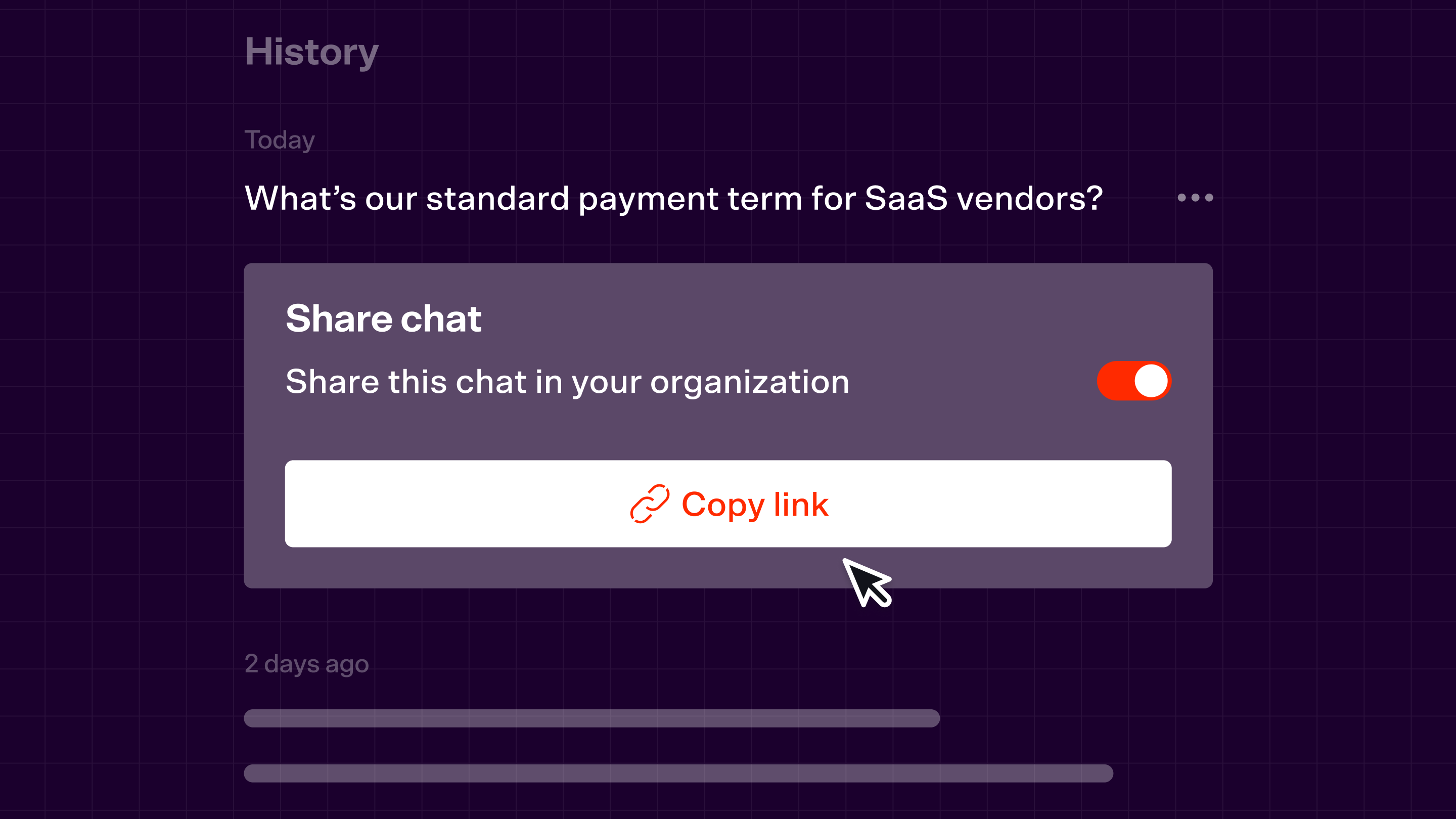
One click changes that. You can now share your Assistant conversations across the organization so anyone in the same organization can view them with full context, no briefing required.
Say you've used the Assistant to analyze indemnification risk across a supplier agreement. Instead of summarizing findings in an email, you share the conversation link with your manager. They see exactly what was asked, what the Assistant surfaced, and the reasoning behind it.
The work speaks for itself.
Try it: Log in to open any conversation with the LegalOn Assistant and share it with your team.
The LegalOn Assistant now reads your matter before you ask
Legal teams spend more time explaining context than getting AI-assisted answers.
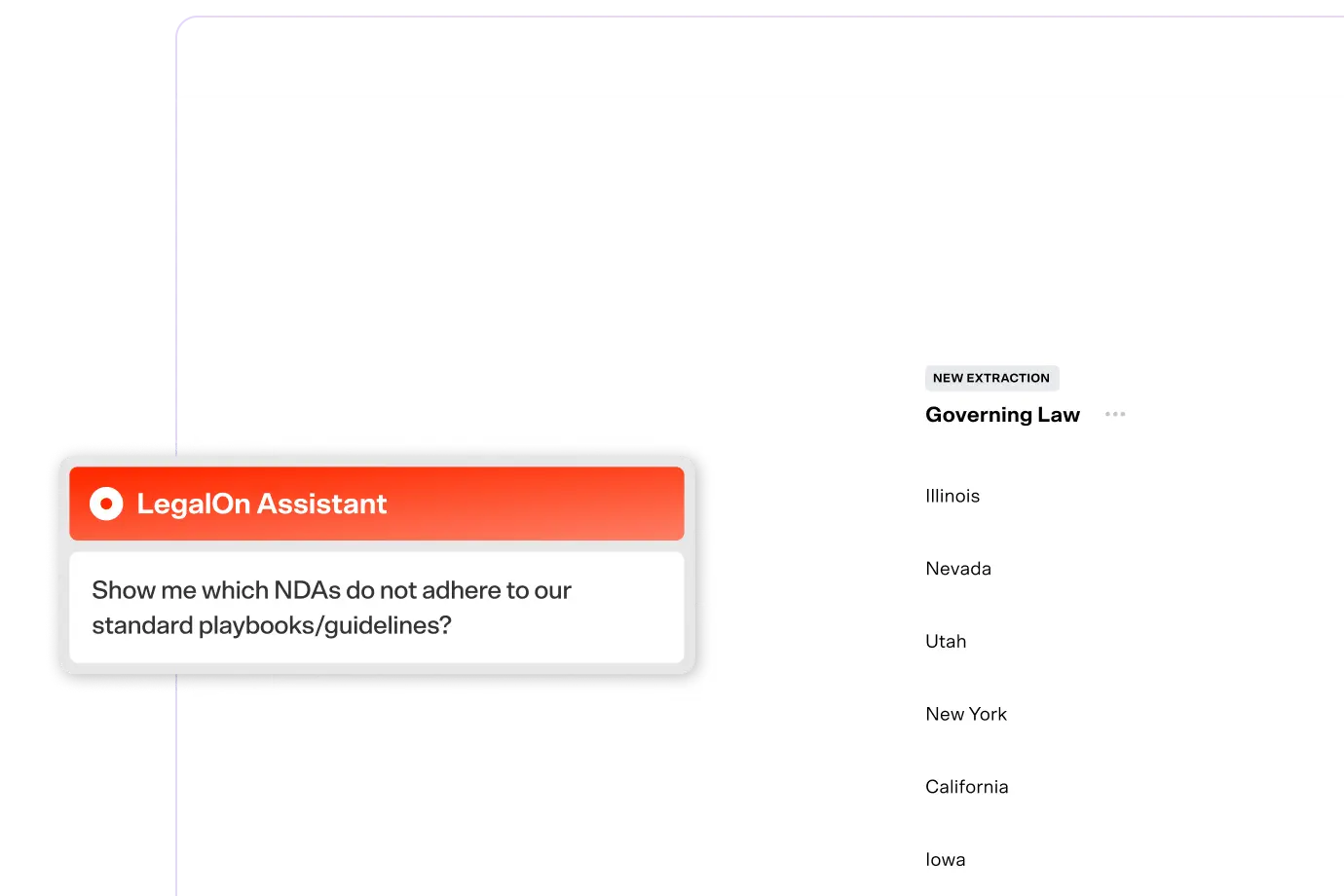
The LegalOn AI Assistant now eliminates that step for Matter Management customers. Open a matter, launch the Assistant, and it already knows the context: matter metadata, linked contract text, and message history. No preamble, no copy-pasting required.
Say you're managing a vendor dispute. You click the Assistant and ask: "What are our termination rights under this agreement?" It already knows which contract is linked and what the matter is about, so you get an answer—fast.
Less setup. More work done.
Try it: Log in to open a matter, launch the LegalOn Assistant from the Matter Detail screen, and ask a question without providing any background.
.png)
All features are live. Availability varies by plan—contact your customer success manager to learn what's included for your team.
Book a demo today to see the LegalOn Assistant in action.