
September's updates were all about meeting your work where it already lives, so you spend less time searching for or moving files around and more time on the legal work. The LegalOn Assistant now reads images and hands back Word documents. Matter Management gets a new API. And getting contracts in from SharePoint and OneDrive takes a click instead of a detour.
Contracts rarely live alone. A lease has a side letter. An MSA has amendments. You already review these as a set, cross-checking terms across documents as you go. With Cross-Document Review, LegalOn can pull in related contracts as context while reviewing your primary document, catching inconsistencies and dependencies you might miss working from a single file.
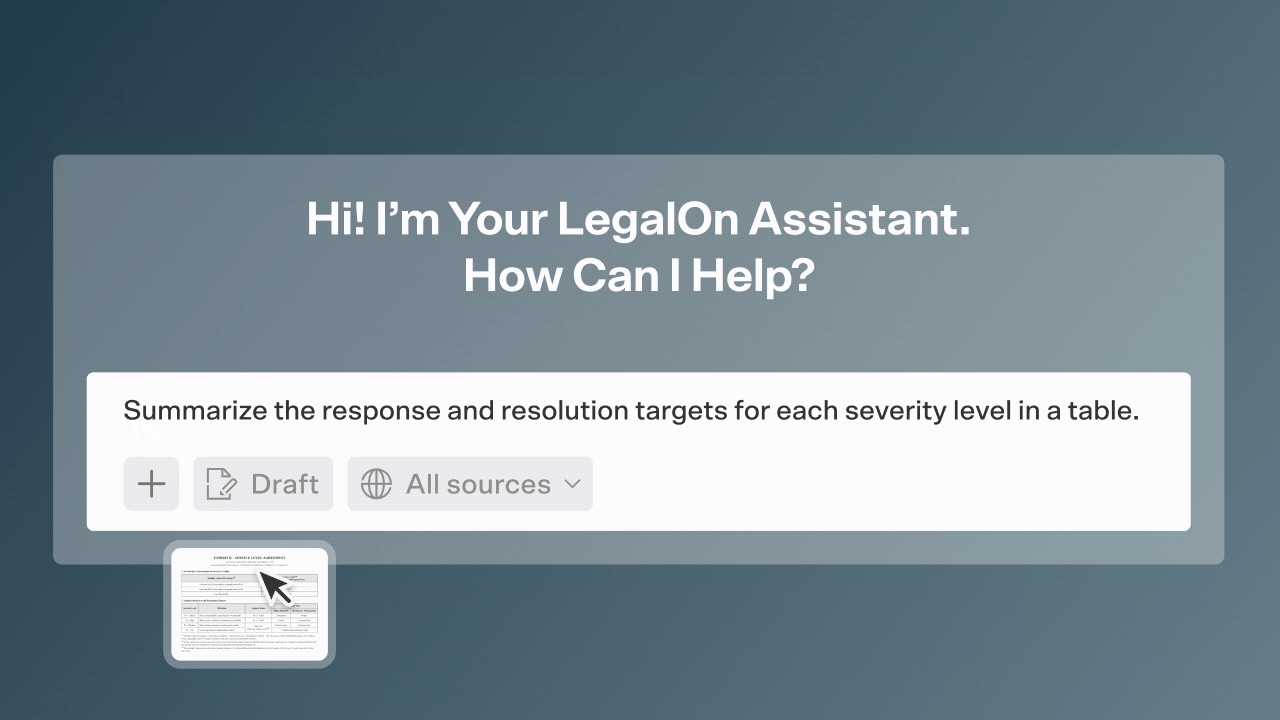
Why it matters: A clause can look totally fine on its own and still contradict something buried in a side letter you reviewed last month. Cross-Document Review catches that for you, so you're not stuck manually cross-checking every related file.Legal work doesn't always arrive as a clean Word file. Sometimes it's a photo of a marked-up printout or a screenshot of a stakeholder's email. Your LegalOn Assistant now reads JPEG and PNG images, layout and tables included. Attach them the same way you attach contracts, and mix images and contracts in one conversation, up to 20 files and 100MB total.
The quickest win is business feedback. Screenshot the email where your stakeholder spells out what they will and won't accept, open the contract, and ask the Assistant to summarize the requested changes. Then ask it to make the redlines. It previews each proposed edit so you can apply them one at a time or all at once. You can also check a revised exhibit against the current contract language the same way.
Why it matters: You used to need a separate tool to pull the text out before the Assistant could help, and then you still had to translate the business's decisions into edits by hand. Now the image goes straight in. If part of it is hard to read, the Assistant tells you instead of guessing, and citations show you exactly which image an answer came from.
Try it: Run it in two steps. Ask for a summary of the screenshot first, then ask for the redlines. Reading an image and editing a contract are different tasks, and splitting them gives you cleaner results.
Every comment you've ever left in a Word contract is now something you can just ask your Assistant about.
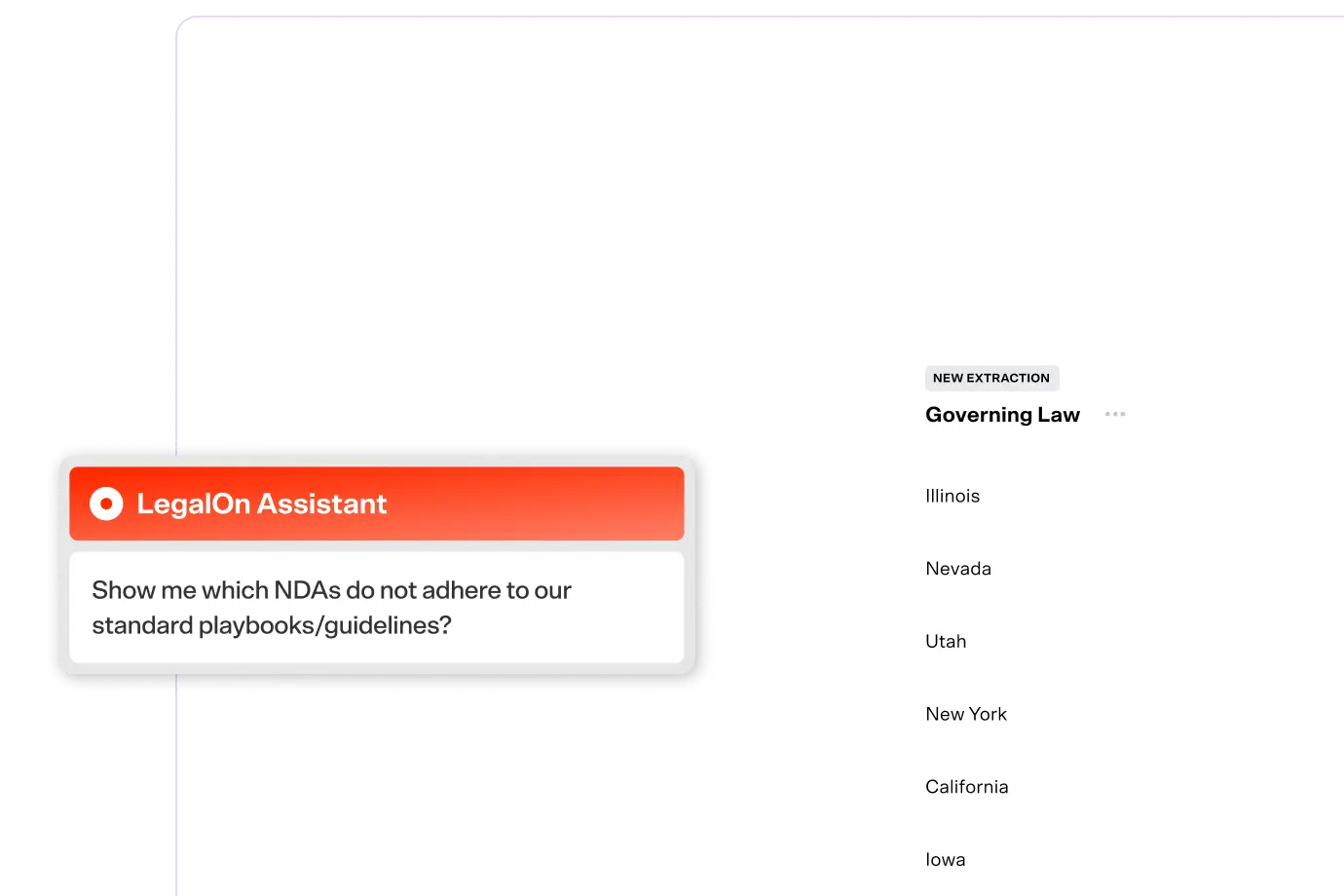
Searchable Negotiation History turns your Word comments into a searchable record. Instead of remembering who flagged an indemnity issue three deals ago and digging through old files to confirm, just ask your Assistant in plain language. You can combine keyword search with filters like governing law, contract type, author, counterparty, status, and date range.
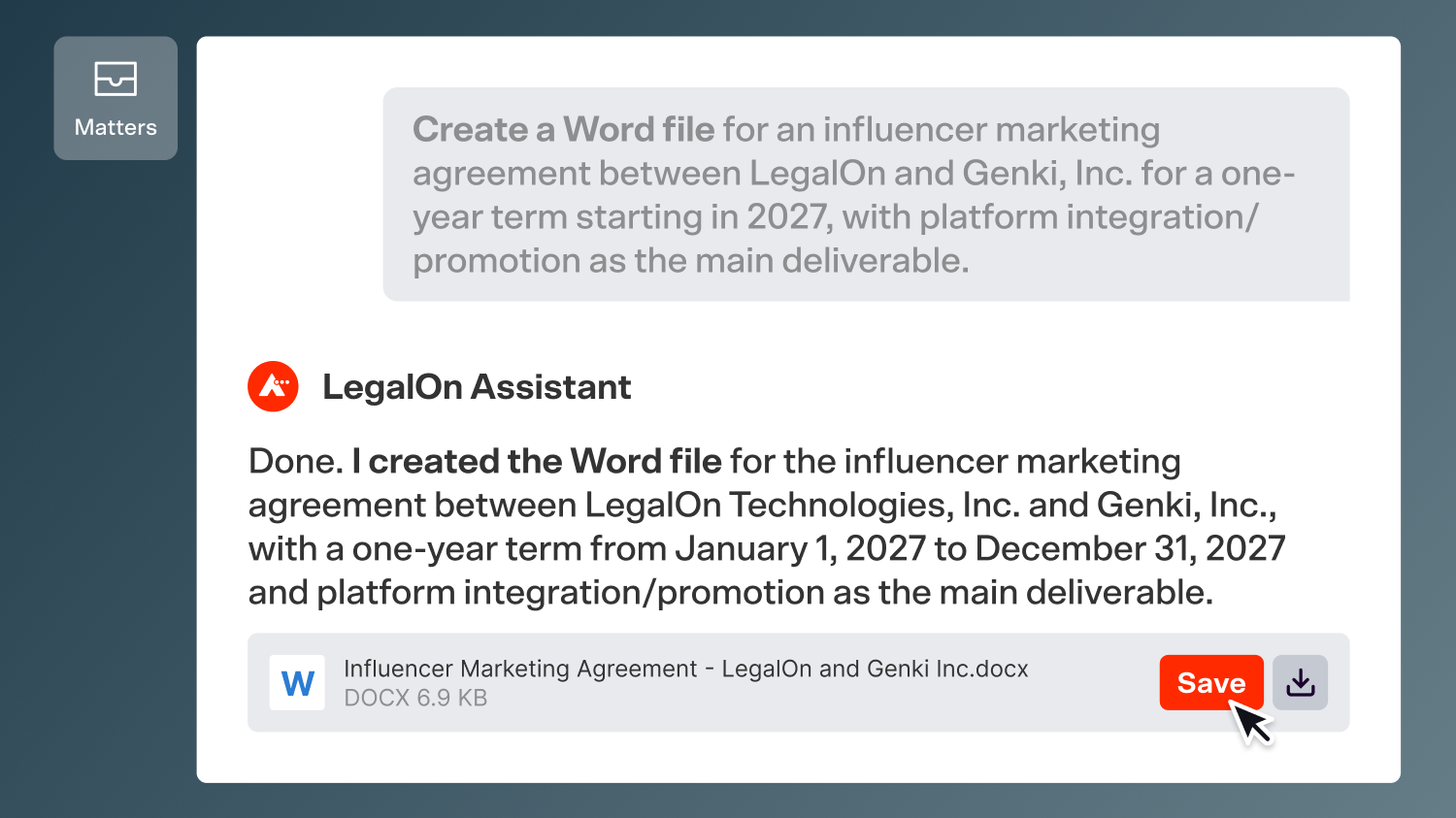
Why it matters: You've built up years of negotiation know-how in your comments. This makes it usable so you can quickly search when questions come up.Your Assistant can now deliver a formatted Word document, built from the context it already has. Open a matter, like a procurement request to extend an agreement, and ask the Assistant to review the request and create an amendment as a Word document. It draws on the matter and the underlying agreement, so the amendment responds to what was actually signed. You can also turn a contract review into a memo you can attach to an email, or work through terms in chat and ask for the document when you're ready.
The DOCX comes back attached to the reply with headings, lists, simple tables, and page breaks intact. Open it in Word and keep refining with the Assistant, or make a few edits and send it.
Why it matters: Amendments are a classic time sink. Finding the last one, copying it, and hunting down every date and section reference can eat up an afternoon. Now the first draft starts from facts already in the matter. The Assistant only creates a file when you ask for one, and you can reopen the conversation to download it again anytime.
Try it: Open a matter in the web app or the Word Add-in and ask your Assistant to "create a Word document" for the amendment.
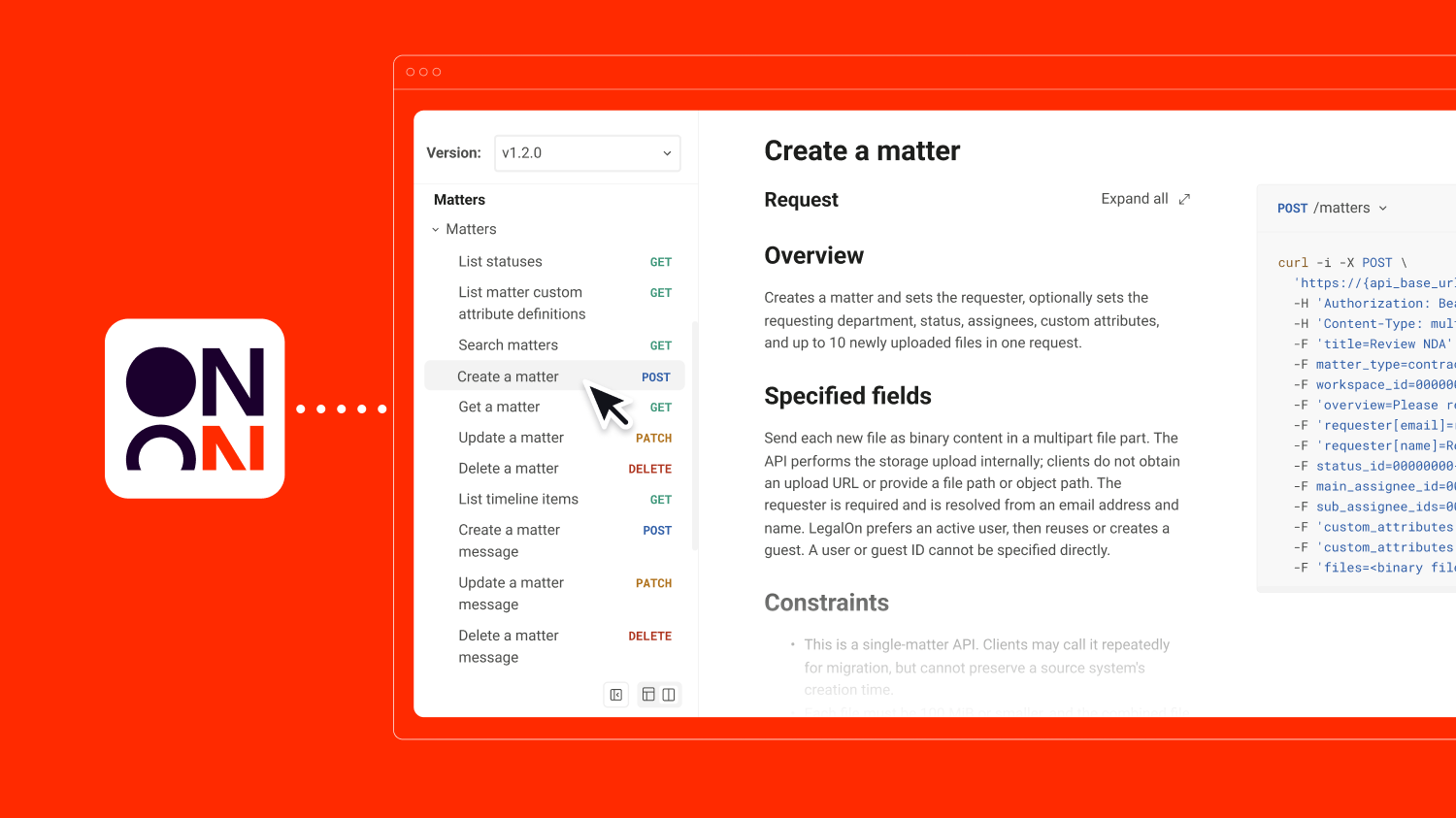
If your company runs legal requests through its own internal tools, the new Matter Management API connects them to LegalOn. Your systems can create, update, and retrieve matters automatically, with requesters, assignees, custom fields, and files coming along for the ride. They can also pull statuses and timelines back out, so both sides stay in sync.
Why it matters: The business keeps asking for help the way it always has. Legal gets every request in one place with the context already attached, and nobody has to learn a new process.
Try it: Open a contract with a missing-provisions alert in the Word Add-in or Word for the web, and click AI Revise to insert the suggested language.Share the LegalOn API Developer Portal with your IT or legal ops team to scope the connection.
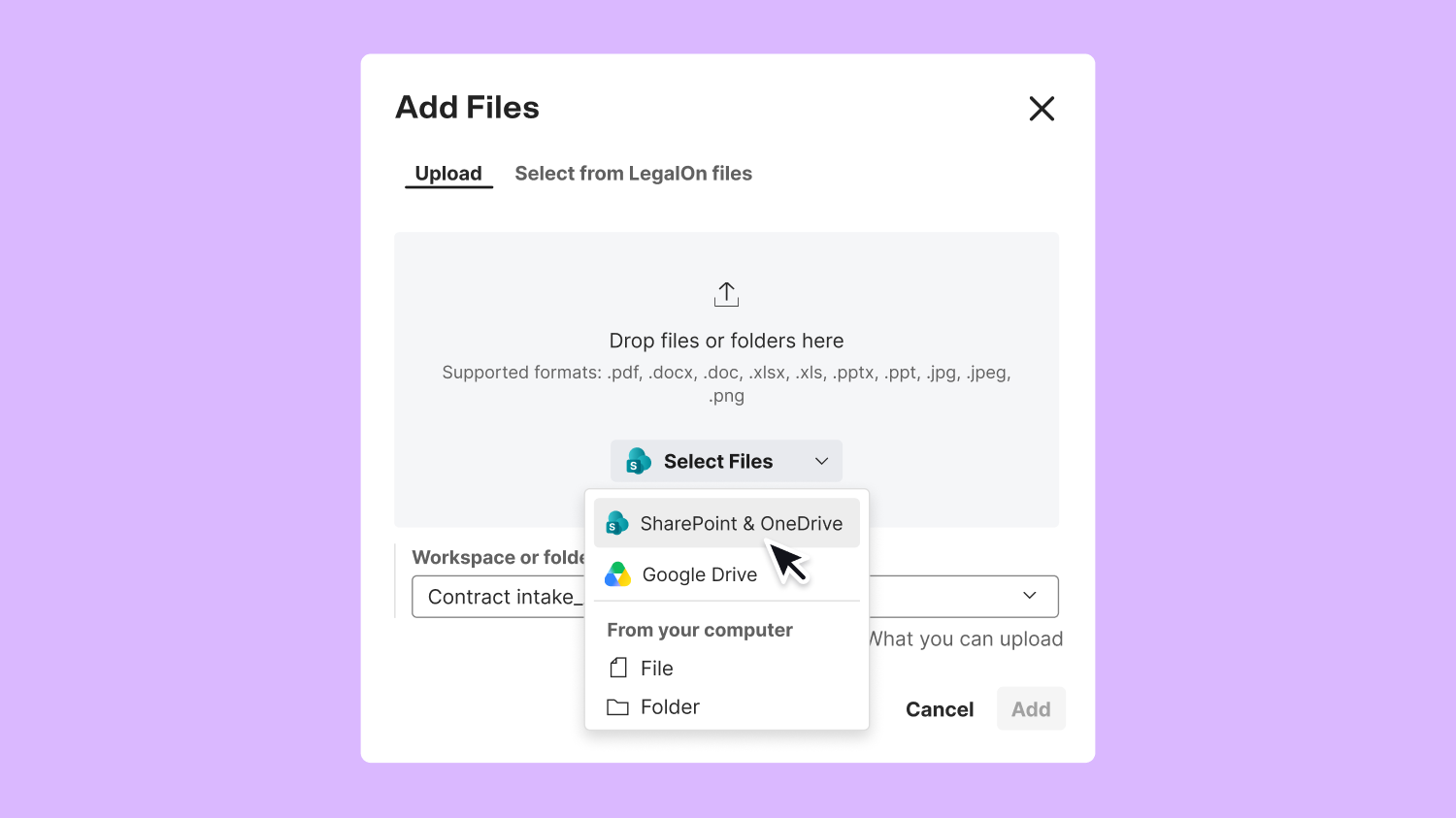
Getting a contract from Microsoft 365 into LegalOn used to mean downloading it, finding it again, and uploading it. Now you can bring files in from SharePoint and OneDrive using Microsoft's own file picker, right inside LegalOn. Once you're connected, the option shows up wherever you upload, including Vault, Contract Review, Matter Management, and the LegalOn Assistant. Browse or search, select several files at once, and upload them together.
Why it matters: Your contracts already live in Microsoft 365. Skipping the detour means fewer stray copies in your Downloads folder and more time on the contract itself.
Try it: Once your admins have switched on the integration, connect your Microsoft account and pick your next contract straight from SharePoint.
Good to know: This needs a quick one-time setup. Your Microsoft administrator approves the LegalOn app, then your LegalOn IT administrator turns on the integration.
All features are live and available to LegalOn customers.
Want to know more? Contact us or reach out to your customer success manager.