.svg)


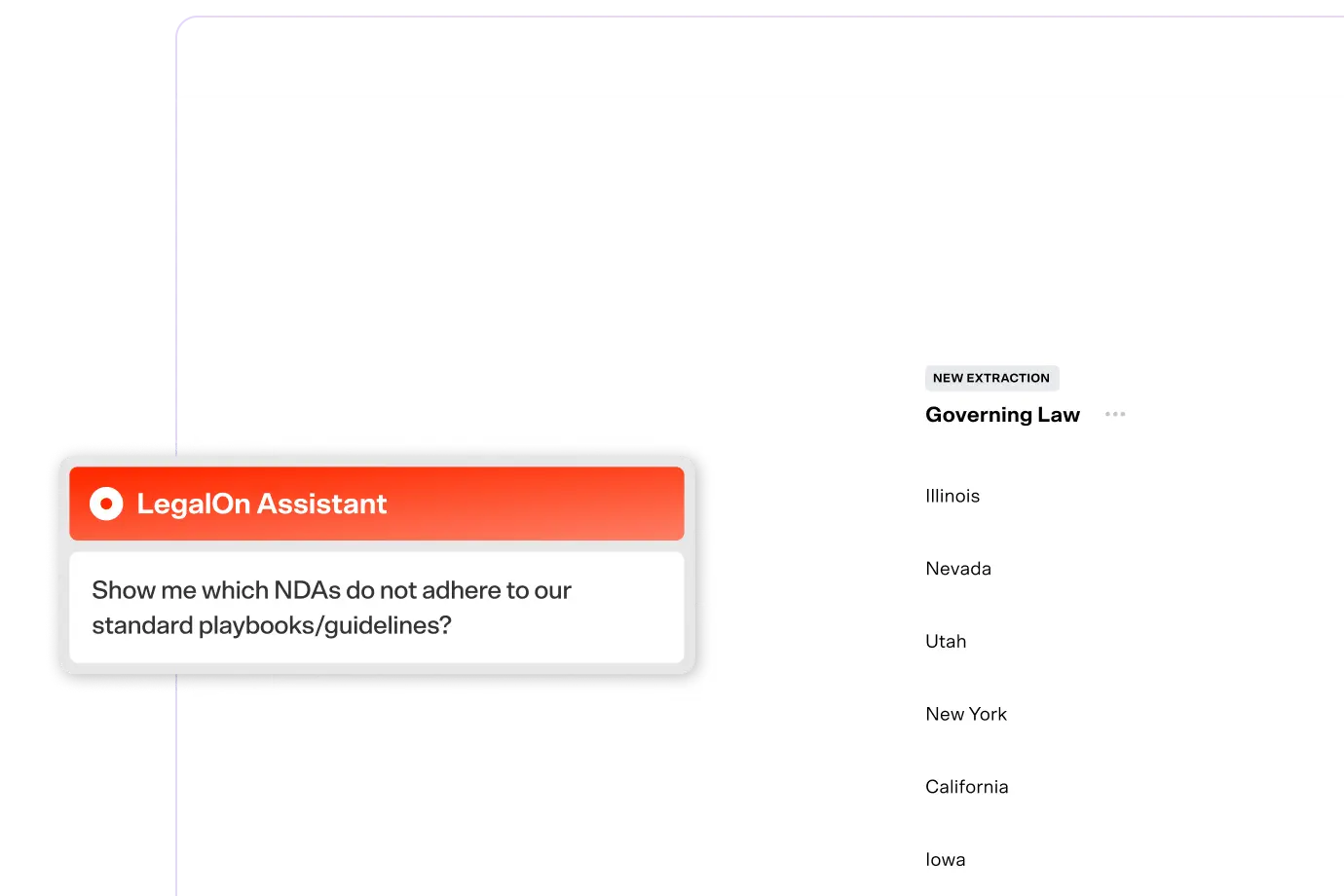
LegalOn keeps getting faster, more intuitive, and easier to trust. The latest enhancements to LegalOn Assistant make it feel less like a tool and more like a teammate who knows your business.
TLDR: Four new things LegalOn Assistant does
LegalOn just got more personal
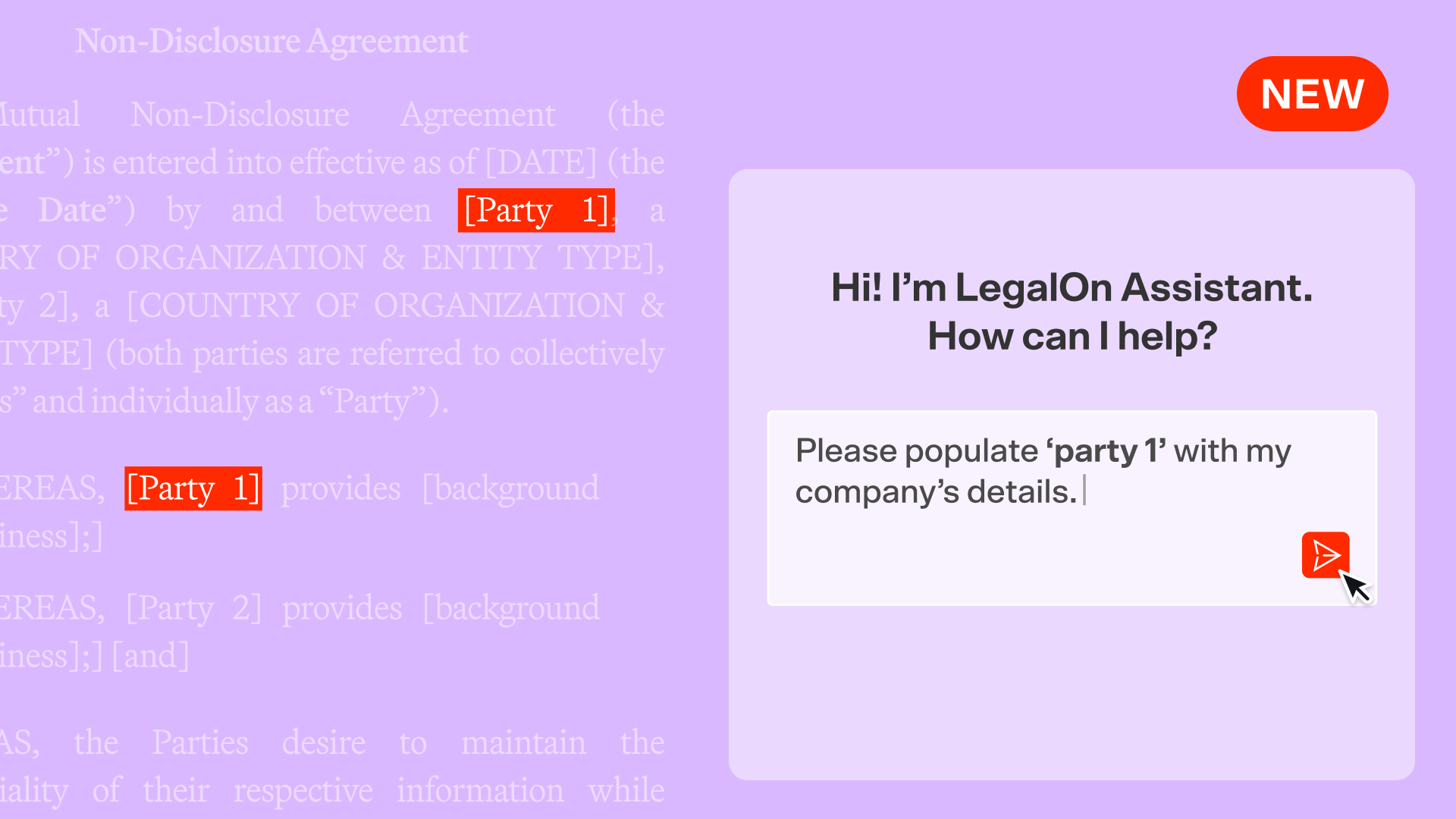
Until now, LegalOn Assistant treated every conversation the same way: If you wanted it to draft a party description or open an NDA with your company as signatory, you supplied the details yourself.
That changes with this update. LegalOn Assistant now pulls from your registered company information—name, address, business description, representative, affiliated entities—when drafting or reviewing contracts. Ask it to draft a party description, flag clauses relevant to your business, or generate an NDA with your company already named. It already has what it needs.
This is the shift from a generic AI assistant to your AI assistant. In-house legal teams need a tool that understands their organization. This is a step toward that.
Try it: Log in to ask LegalOn to draft a party description or open a contract with your company as signatory.
LegalOn shows its work
Legal professionals don't just need the right answer. They need to know where it came from and how it was reached, especially when the output informs a business decision.
LegalOn Assistant now displays real-time progress during response generation. Instead of waiting in the dark, you see the actual steps: "Checking the contract for inconsistencies," "Identifying relevant clauses," and so on. When the assistant finishes, it surfaces a summary of what it reviewed.
The process is visible and the reasoning is traceable. That's what moves AI from something you use cautiously to something you rely on.
Try it: Log in to run a contract review and watch LegalOn Assistant narrate its process in real time.
LegalOn can read web links in prompt
Drop a URL into your prompt and LegalOn Assistant will work from what's on that page with no copying, no pasting, and no manual reformatting.
Ask it to summarize an article, compare two pages, pull key points from a vendor FAQ, or draft a response based on what's published at a link. LegalOn Assistant reads the content and generates an answer directly from it.
This extends LegalOn's usefulness beyond the four corners of a contract. Whether you're reviewing public-facing terms, referencing industry guidance, or responding to something you found online, you no longer have to copy and paste webpage content into the prompt.
Try it: Log in to paste a URL into your prompt and ask LegalOn to summarize it or draft a response based on its content.
Find the right prompt, fast
A useful prompt library only stays useful if you can navigate it. As the number of LegalOn's official prompts increases, finding the right one for the task at hand shouldn't require scrolling through a growing list.
The Prompt Library on the LegalOn Assistant chat screen now lets you filter LegalOn's official prompts by tag—Contract Drafting & Review, Research, Risk Assessment, and more. Combine tag filtering with title search or your Favorites view to get to the right prompt without the friction.
Try it: Log in to open the Prompt Library and filter by tag to find your next go-to prompt.
All features are live and available to all LegalOn customers.
Want to know more? Contact us or reach out to your customer success manager.