.svg)

For many legal teams, identifying what needs to change in a contract is only the first step. The real friction comes afterward: copying suggested language, re-creating instructions, repeating the same edits across documents, and making sure changes are consistent—and correct—every time.
LegalOn now helps close that gap with two of the most requested features customers have consistently asked for: Direct Editing in Microsoft Word and a Prompt Library that lets teams turn instructions into reusable standards that scale across matters and reviewers. Together, they create a repeatable contract review workflow—where instructions turn into tracked edits and reusable standards inside Microsoft Word—moving legal teams from analysis to execution, faster.
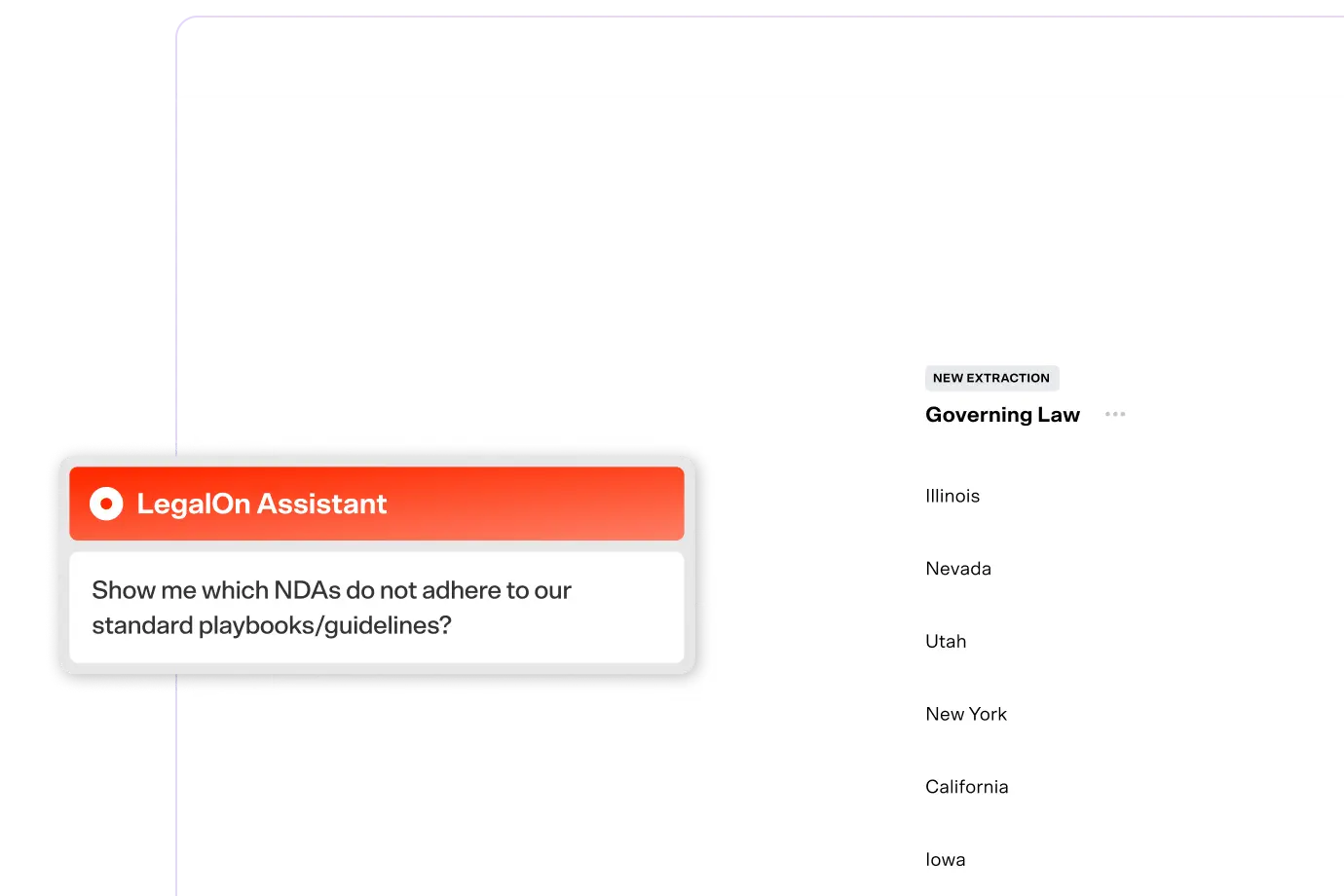
LegalOn’s AI Assistant already explains contract clauses, surfaces legal risks, and suggests better contract language tailored to your existing policies, playbooks, and preferences. With Direct Editing, those suggestions now become tracked edits directly in your document—no copy-paste required.
Instead of stopping at recommendations, LegalOn applies precise, tracked redlines directly inside Microsoft Word (both in the LegalOn Word add-in or LegalOn’s new Word for the web editor). Every edit is reviewable, reversible, and clearly explained, so you remain in control of the final document.
How it works:
What you get with Direct Editing:
Direct Editing removes friction where contract reviews tend to slow down, especially for in-house legal teams operating without mature playbooks or handling high volumes of agreements.
What starts as a single prompt often becomes something you use again and again… and again.
LegalOn’s Prompt Library makes it easy to save, reuse, and share the instructions that work best for your team. Instead of rewriting prompts or keeping them scattered across documents, you can turn effective instructions into reusable standards that scale across matters and reviewers—while reflecting your team’s risk tolerance and review approach.
How it works:
Over time, the best prompts evolve from one-off edits into shared tools your entire team can rely on—supporting consistency, onboarding, and knowledge‑sharing across the department.
What you get with Prompt Library:
Direct Editing and Prompt Library are designed to work together.
You can tell the LegalOn Assistant what to change, see the edits happen instantly in Word, and then save those instructions so you don’t have to repeat yourself next time. What used to be a manual, error-prone loop becomes a fast, consistent workflow.
For example, you might save a prompt that updates corporate details across agreements—entity name, address, notice email, and signatory—and reuse it whenever those details appear. The assistant applies the edits directly in the document, using the same logic every time.
Both Direct Editing and Prompt Library are available now in the LegalOn Assistant at no additional cost to existing customers.
We’re excited to see how these updates help you review contracts faster, reduce rework, and bring more consistency to your legal workflows—without sacrificing human judgment or control.
Want to see the LegalOn Assistant in action? Schedule a demo today.