.svg)




Integrations
The Tools You Already Use, Now Connected
Connect your contracts and the conversations around them, so contract data moves automatically and your team always works from the same source of truth.
Built In
Native Integrations
LegalOn works with the tools your team uses every day.

Microsoft Word
Review, redline, draft, and ask questions without leaving the document. Includes one-click AI Revise, built on Word’s native track changes.

Slack
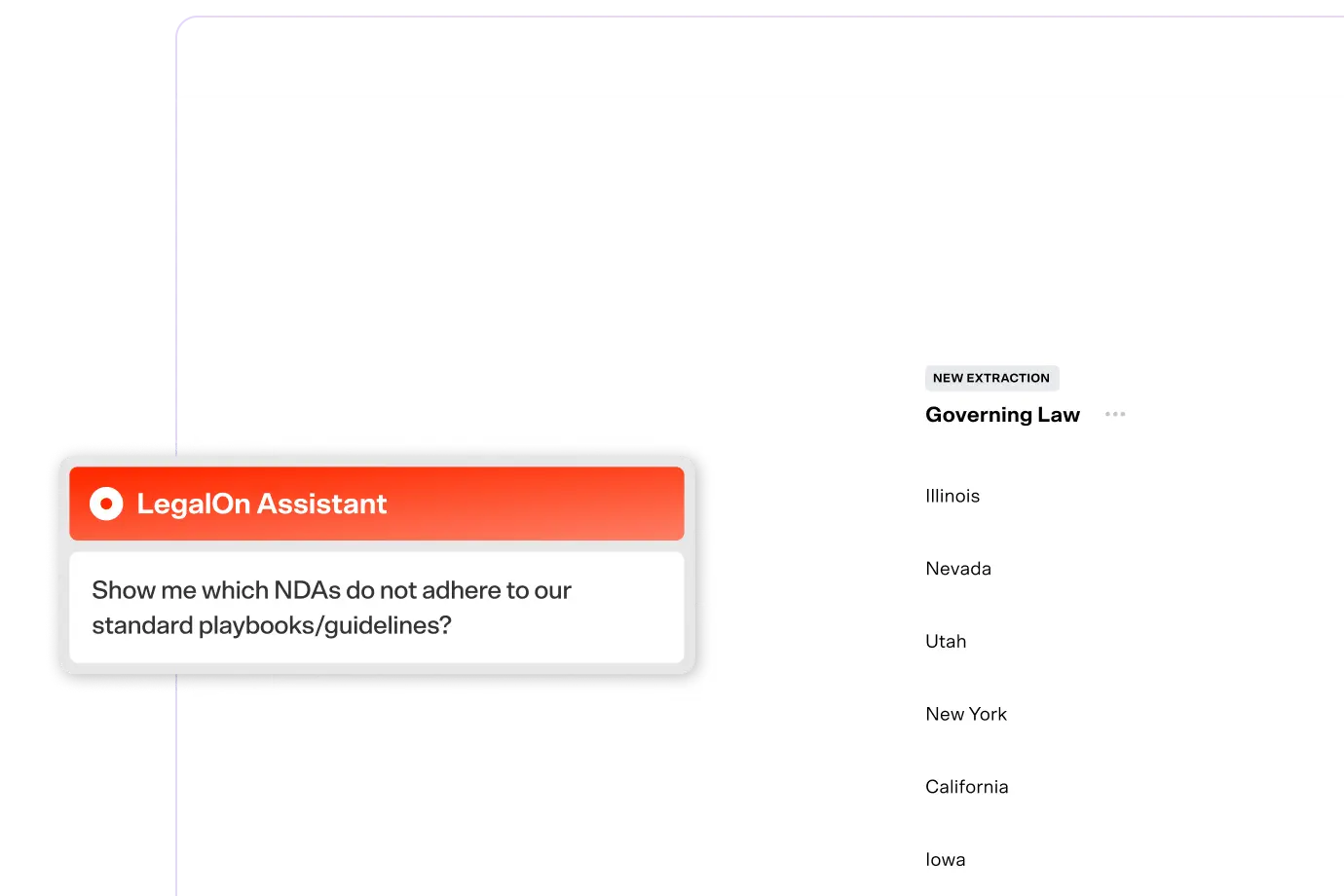
Submit and track legal requests directly from Slack, so requests don't get lost in a channel.

SharePoint
Direct access to your SharePoint files.

Microsoft Teams
Coming soon
Submit and track legal requests directly from Teams.
Submit and track legal requests directly from Teams.

Google Drive
Coming soon
Direct access to your Drive files.
Direct access to your Drive files.

Box
Coming soon
Direct access to your Box files.
Direct access to your Box files.
Build It
API & Custom Integrations
A public API for your technical team to build exactly the connection your systems need.
Contract/Files API
Move contract files and data in and out of LegalOn programmatically. Built for migrations and connecting to the tools you already report from.
Learn more
User Management API
Manage users, groups, workspaces, and departments programmatically. Built for teams provisioning access at scale.
Learn more
Matter API
Bring legal requests into LegalOn from the systems your business already uses
Learn more

Learn More
Why it Matters
Designed for How Contracts Actually Move
One Connected Ecosystem
The API gives your technical team a foundation to build exactly the connection you need.
Access that Respects Your Permissions
API access is scoped to the same workspaces a user already works in.
Built for Scale
The more contracts and accounts you manage, the more time the API gives back.
Privacy & Security
Built to Protect Your Most Sensitive Documents
Professional-grade protections keep your agreements secure and your data private. Nothing you share with LegalOn ever trains a third-party model.
Soc 2 Type II
ISO 27001
ISO 27007
GDPR
CCPA
What is LegalOn’s API?


What does LegalOn’s API do?
How do I start using LegalOn's API?
Where can I find the full LegalOn API reference?
Experience LegalOn Today
See how LegalOn can save you time, reduce legal risk, and free you from tedious work.
Book a Demo


Resources

