.svg)

Generic AI gives you generic output. Ask it for a data breach action plan or an indemnity redline, and you get a starting point. But it’s something you still have to reformat, fact-check, and rebuild to match how your team actually works. For in-house legal teams already stretched thin, that's another task added to their plate.
Legal teams have spent the last two years being told to "adopt AI" without much guidance on what good AI output actually looks like for legal work. Most general-purpose tools weren't built with legal standards in mind, and the burden of catching that gap has fallen on the teams least equipped to absorb it: small in-house departments doing the work of much larger ones.
Generic AI is trained to produce plausible language, not legally sound positions. It doesn't know your jurisdiction, your risk tolerance, or how your team likes to redline a limitation of liability clause. So every output becomes a draft, you still have to legal-check yourself, which defeats much of the point.
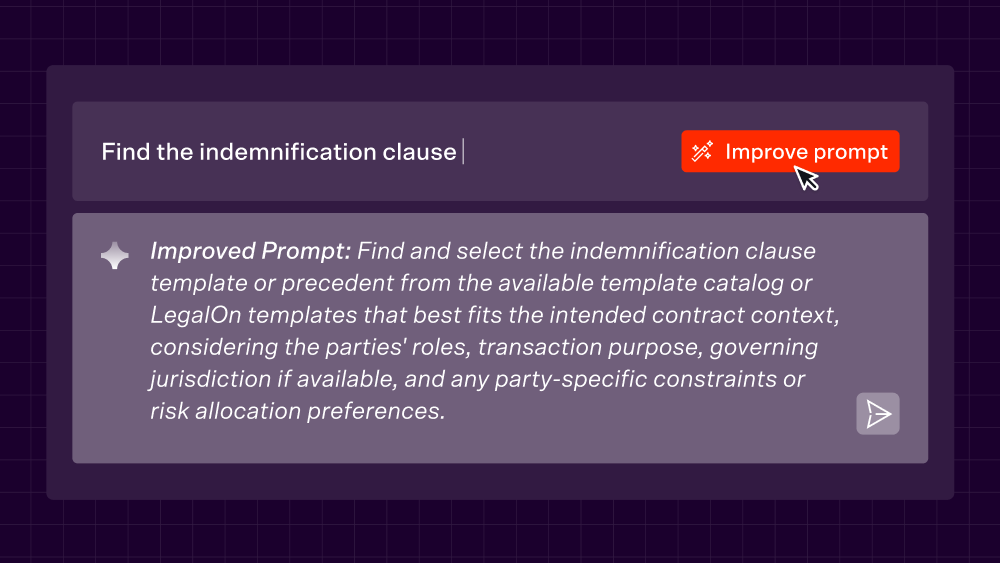
LegalOn’s Prompt Workflows are attorney-built, practice-area-specific AI workflows inside LegalOn, designed to get your work closer to finished from the first use.
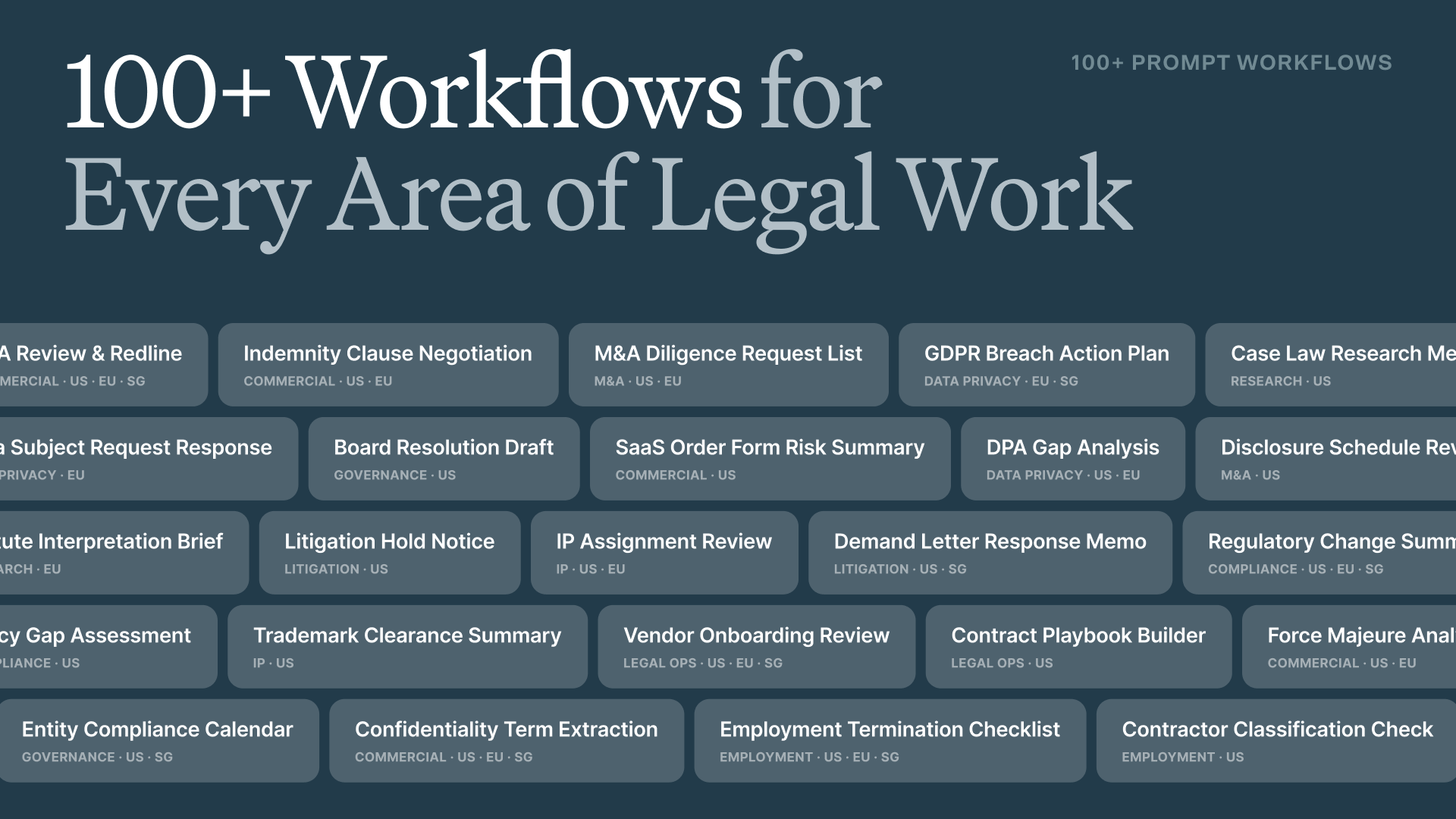
Our in-house attorneys created more than 100 prompt workflows across ten practice areas: commercial contracts, data privacy and security, employment and labor, compliance and ethics, M&A, litigation, IP, corporate governance, legal research, and legal operations. Each one comes in US, EU, and Singapore variants, so the output reflects your jurisdiction from the start, not a template you have to localize yourself afterward.
A few examples of what that looks like in practice:
Try it: Sign in to LegalOn > Open your Prompt Library > click LegalOn in the top navigation > search by keyword or filter by practice area or tag.
Built by attorneys
This isn't a prompt library you assemble yourself through trial and error. Every workflow is drafted by attorneys and tested against real legal standards before it reaches your team. We’ve already done the thinking for you.
“In-house legal teams need AI that’s already done the hard work of understanding what good legal output looks like,” said Bari A. Williams, Head of Legal and Legal Content at LegalOn. “Prompt Workflows are crafted by attorneys, structured to get customers closer to done and designed to get smarter about how their teams work over time.”
Prompt Workflows are built specifically for how in-house teams operate, where speed and judgment both matter, and no partner is reviewing your output before it goes out the door.
The workflows aren’t etched in stone. Every single one can be saved, edited, and adapted to reflect your team's preferences, matter history, and internal standards. Start with the attorney-built foundation, customize it to your standards, then save it as your own. Over time, LegalOn becomes a reflection of how your team actually works, not just a tool it uses.
Try it: Sign in to LegalOn > Open your Prompt Library > click LegalOn in the top navigation > search by keyword or filter by practice area or tag > edit any prompt workflow > save for reuse
Not a customer yet? Request a demo to see how it works.