.svg)
.webp)

We've been busy. We launched five AI agents to do the work that slows legal teams down and recently announced new upgrades to our matter management offering: intake, triage, matter dashboard, and AI matter intelligence.
And we're not done yet. This spring, we're shipping nine more updates built around the two things in-house counsel care about most: being able to trust AI answers and not having to toggle between workflows and windows.
Here's everything that's new.
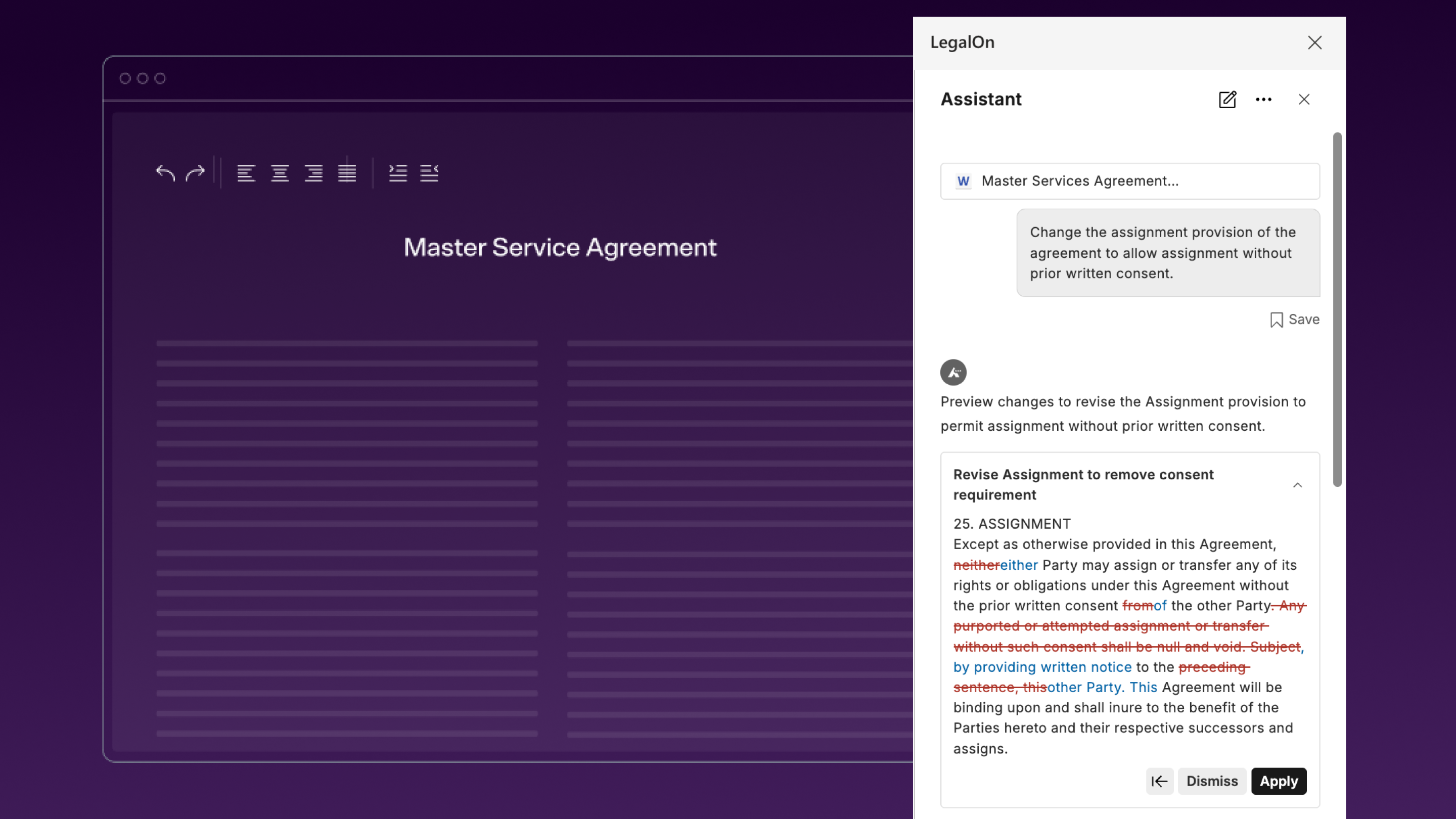
Applying AI-suggested redlines can often feel like guesswork.. You ask for a revision and hope the formatting holds and the language lands where it should.
Direct Edit Preview changes that. You can now preview AI-generated redlines before applying them directly in Word, making it easy to review and compare changes at a glance. If you like what you see, all it takes is one click to insert the suggested edits to your contract.
The reason most legal teams hesitate to rely on AI isn't the output, it's not being able to verify it. If you can't verify where an answer came from, you can't rely on it.
Inline Citations fix that. Sources are now linked directly within LegalOn's AI responses. Hover over any citation for a preview card showing the source title and type. Click through to the exact passage. This isn't a footnote at the bottom; it's attribution at the point of reading, so you can assess credibility before you act on an answer.
Try it now. Ask LegalOn a question and click through to the source.
Complex deals don't live in a single document. Until now, cross-referencing them meant switching tabs and losing your place.
Upload up to 20 files — or pull in documents already stored in LegalOn — and reference them all in a single AI conversation. Ask whether a new SOW conflicts with the original MSA. Check whether a renewal amendment changes payment terms from the prior version. LegalOn synthesises across your documents and returns one answer. Supports PDF, .docx, .xlsx, and .pptx.
Bring in multiple files at once, including files already in LegalOn.
Templates were the one thing AI search couldn't reach, so finding your own standard language still meant digging manually. That's changed.
Search now spans across your company templates and LegalOn templates alongside contracts, all in one place. Surface approved language instantly, reduce inconsistency, and build toward a unified legal knowledge base that actually reflects how your organization works.
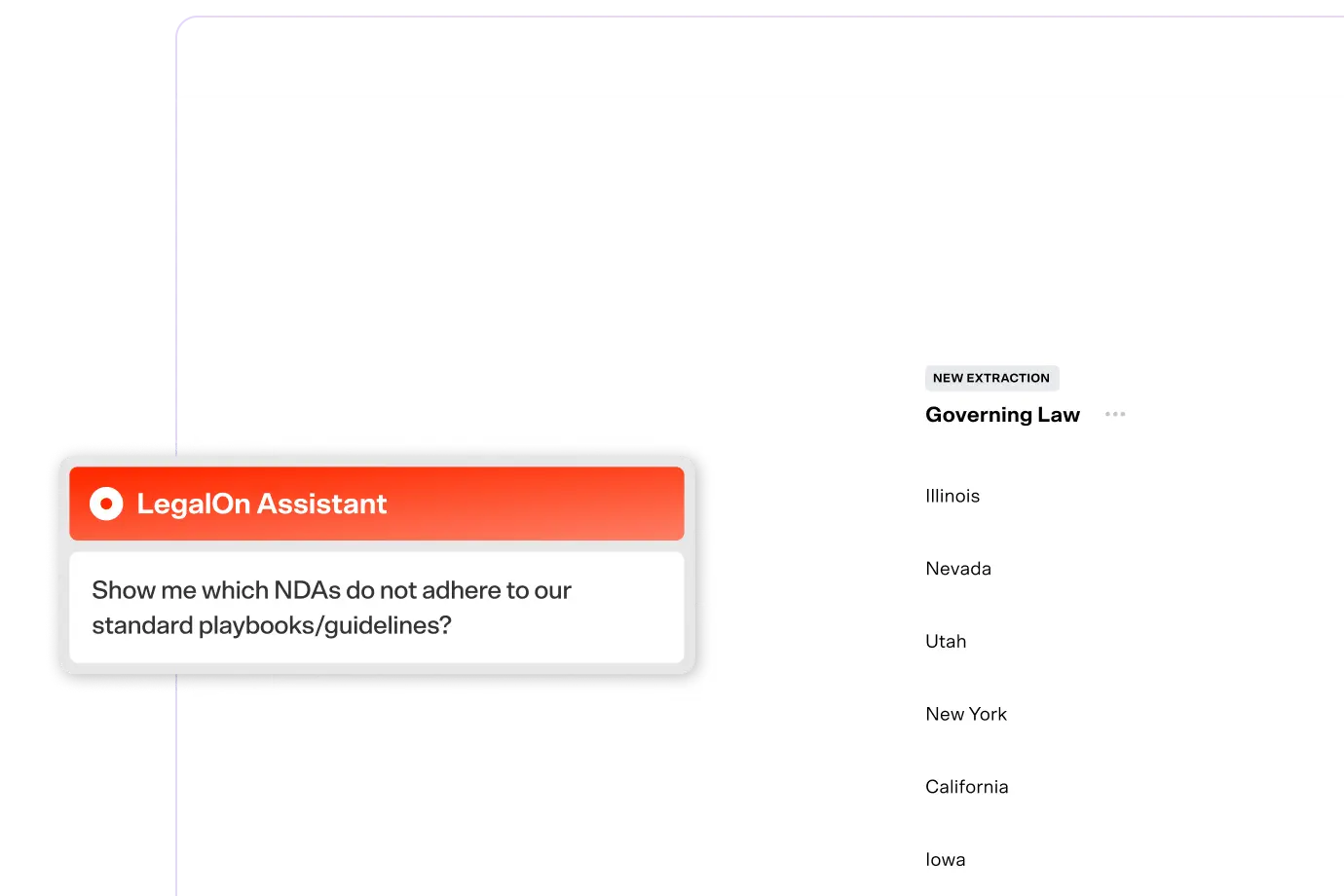
Just ask LegalOn Assistant to find language in your templates.
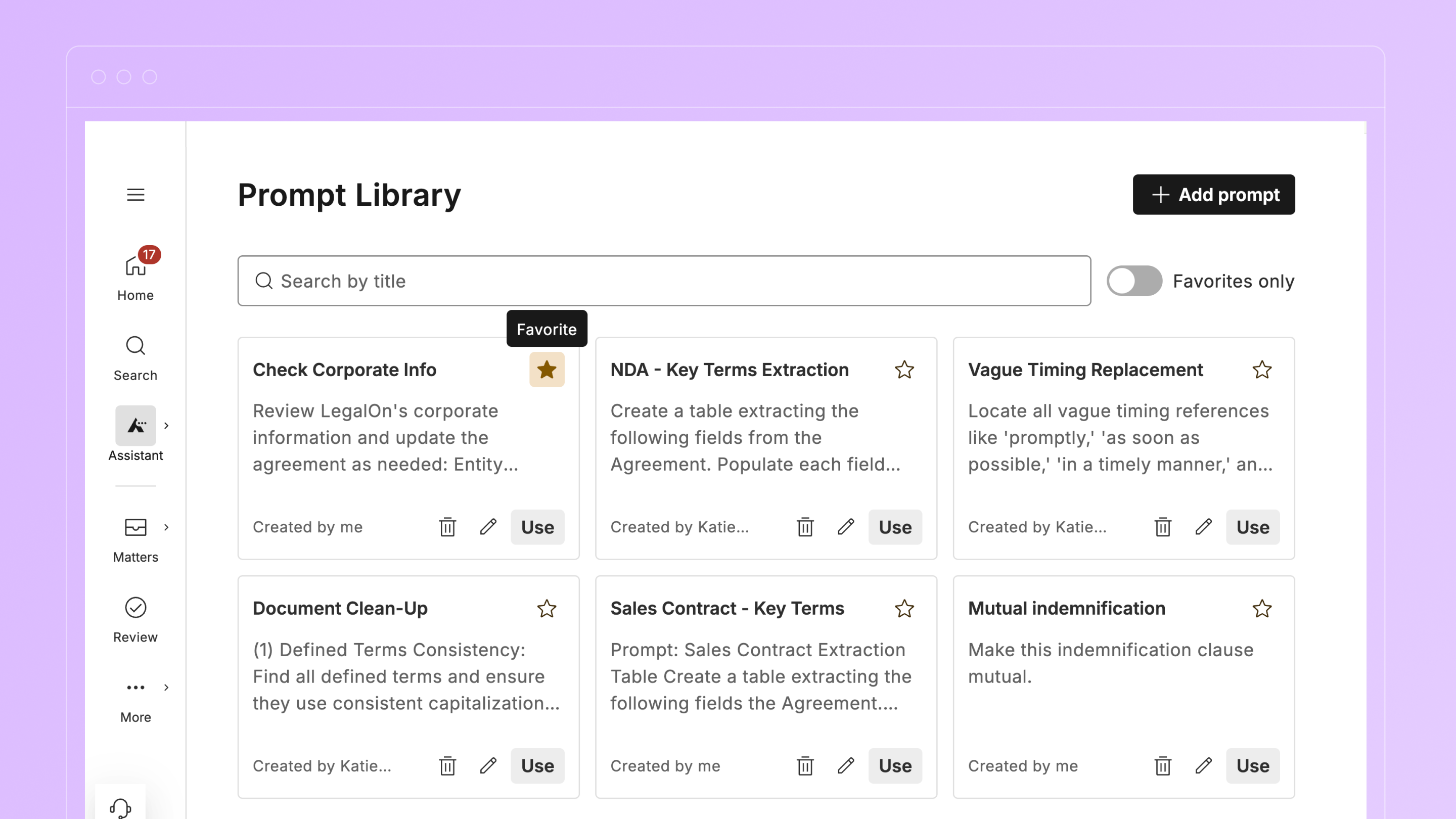
Sophisticated legal teams build up prompt libraries fast. The problem is that after a while, your most-used prompts end up buried under ones you haven't touched in months.
Star any prompt as a favorite, filter to show only your favorites, and have them automatically prioritized at the top of the list. It's a small change with a real payoff, especially if you're doing high-volume review with a consistent set of go-to prompts.
Start favoriting now.
Matter-based Document Search
Find any document in a matter, instantly
Stop re-uploading files you already have — it’s a waste of your time. For teams with Matter Management, natural language search now works across every file in a matter. Ask for the amendment history on a deal, the agreement where a particular fee was set, or all documents tied to a matter.
Surface all matter-related documents in LegalOn Assistant.
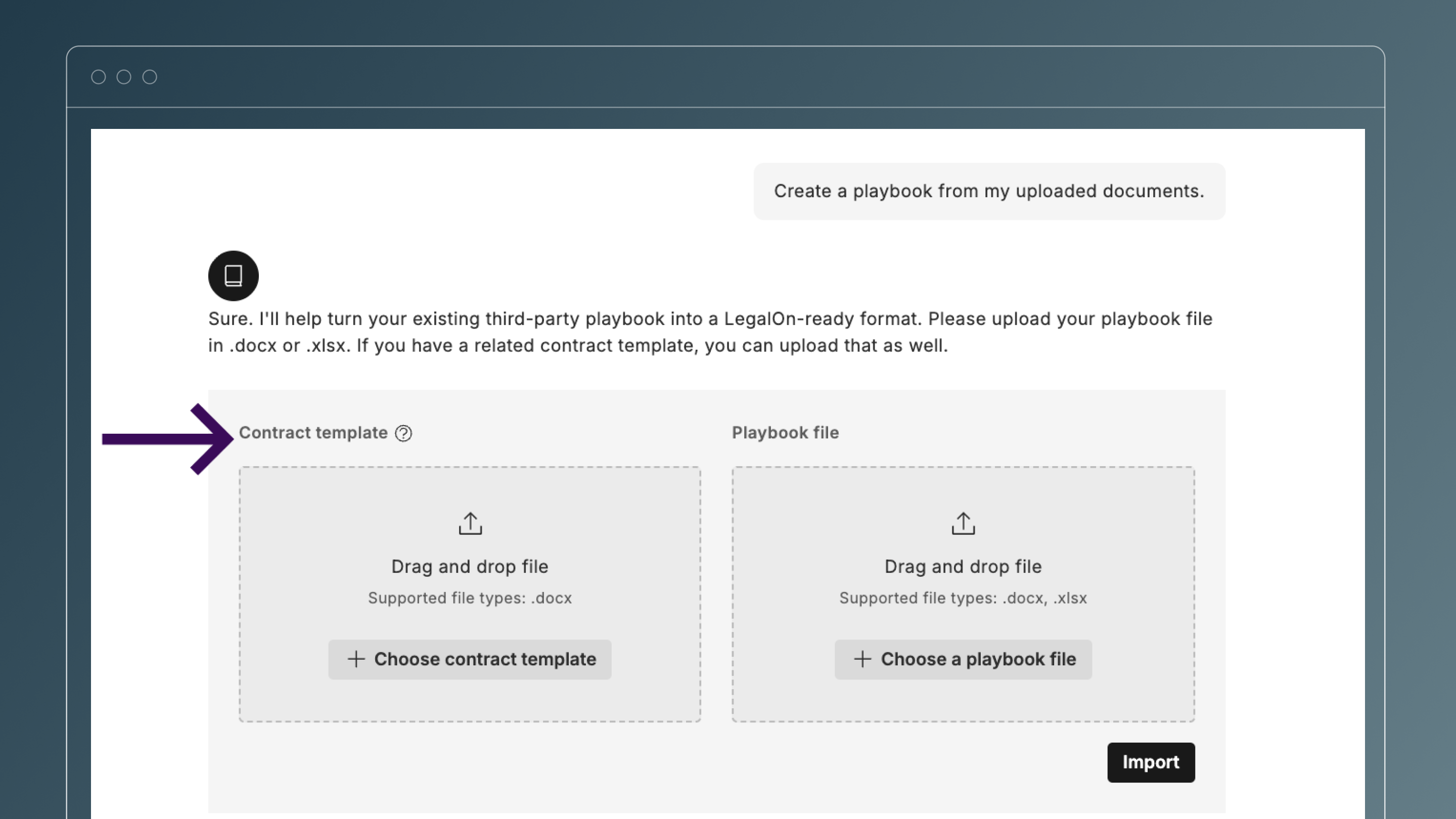
Most legal teams do not have existing playbooks for every contract, and manually creating them is slow, repetitive, and hard to scale.
LegalOn’s Playbook Agent now transforms templates into structured playbooks, so teams can launch AI reviews grounded in their templates even without a prebuilt playbook.
Start with your template and let Playbook Agent build the playbook.
Draft and review influencer agreements faster using pre-built, market-standard language and automated issue spotting. With this new template, you're not reinventing terms from scratch for every deal and your brand and compliance requirements are enforced consistently.
Start a review with the Influencer Agreement playbook.
Pricing schedules, SLA matrices, liability caps — high-stakes terms that often live in tables. Until now, AI review didn’t evaluate table content, leaving teams without visibility into whether those terms complied with their playbook
LegalOn now reads and evaluates table content the same way it reads regular text. If something in a table violates your playbook, LegalOn flags it, highlights the specific cell, and takes you straight to it. With AI Revise now available for table alerts, you can fix it in one click.
Try it: Open any contract with a table and run a playbook review.
All features are live and available to all LegalOn customers unless otherwise noted.
Want to know more? Contact us or reach out to your customer success manager.