.svg)

This month's updates are built around one idea: fewer interruptions to your workflow. The LegalOn Assistant now answers your "How do I..." questions on the spot, no searching required. Translate lives inside the editing screen, so switching languages doesn't mean switching tabs. And Prompt Workflows brings 100+ attorney-built, practice-area-specific prompts directly to your workflow.
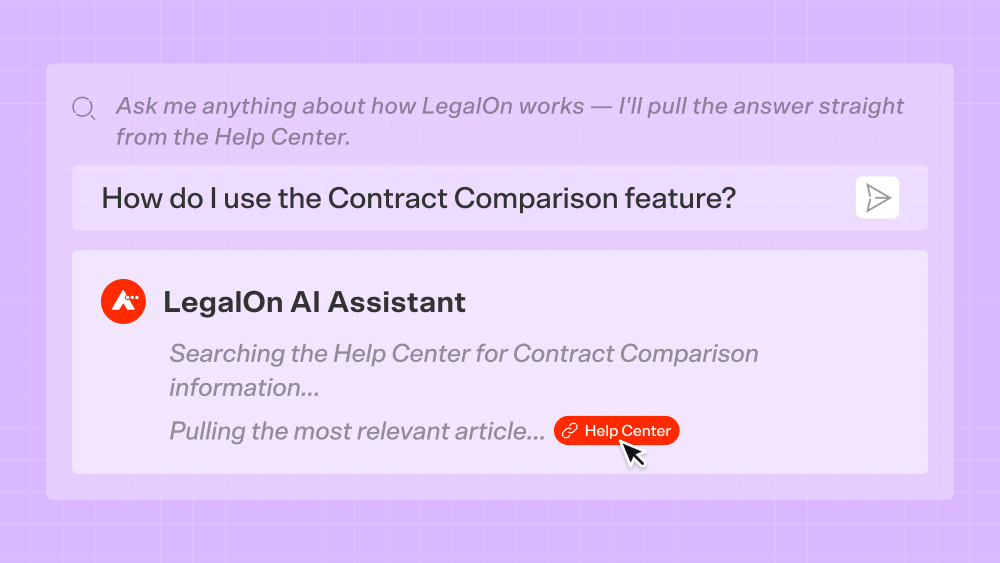
Stop searching the Help Center. Now you can just ask.
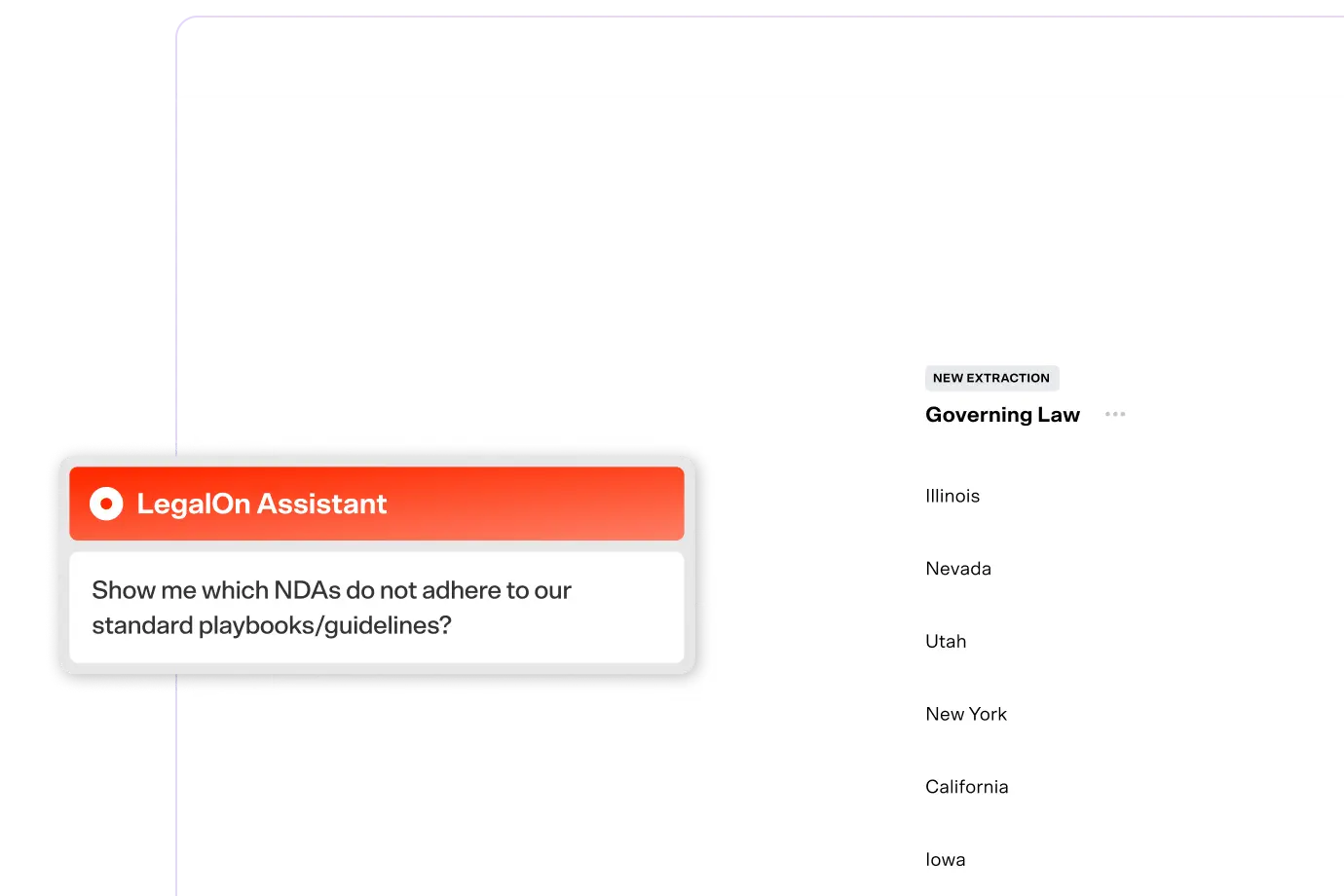
Your LegalOn Assistant now answers how-to and feature questions directly, pulling from official LegalOn Help Center articles and linking to the source every time. Ask something like "How do I set up My Playbooks?" or "How do I use the contract comparison feature?" and your Assistant gives you a fast and accurate answer, verified in one click.
Why it matters: Getting unstuck used to mean leaving your work to dig through Help Center articles, hoping you land on the right one. Now the answer comes to you, sourced and verified, without breaking your flow.
Try it: Sign in and ask your LegalOn Assistant questions you don't know the answer to yet.
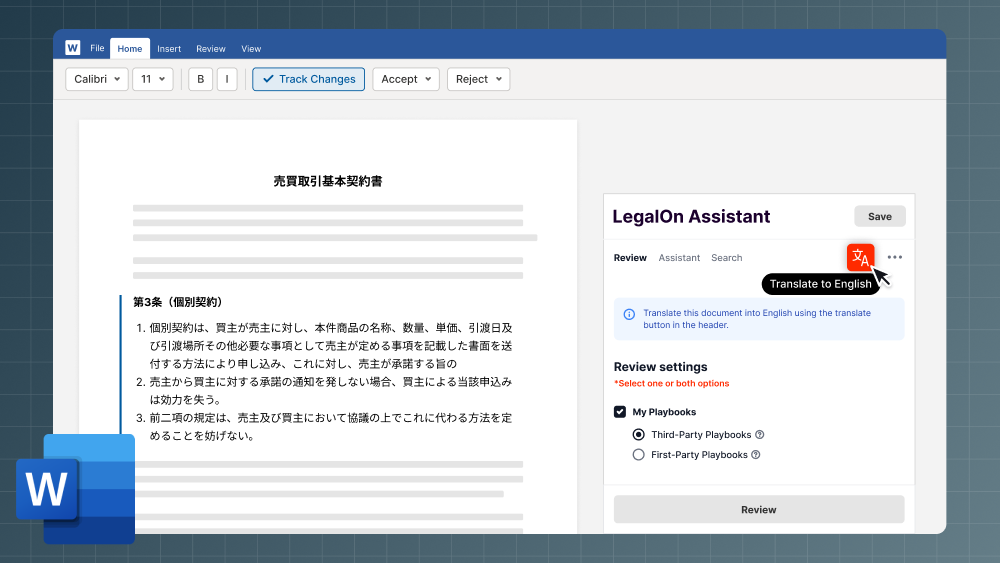
Translate is now available in Word for the web and the Word add-in.
Click the Translate button to translate between dozens of languages without leaving the editing screen or interrupting your review workflow. Previously, translating meant starting on the file details page, then switching over to the editing screen to review the result. That extra step is gone. Now you can translate and start reviewing immediately in the editing screen.
Why it matters: Fewer clicks and less context-switching mean faster reviews. And because translation runs on the same Translation Agent that preserves legal meaning through every redline, speed doesn't come at the cost of accuracy.
Try it: Open a contract in Word for the web or the Word add-in and click Translate.
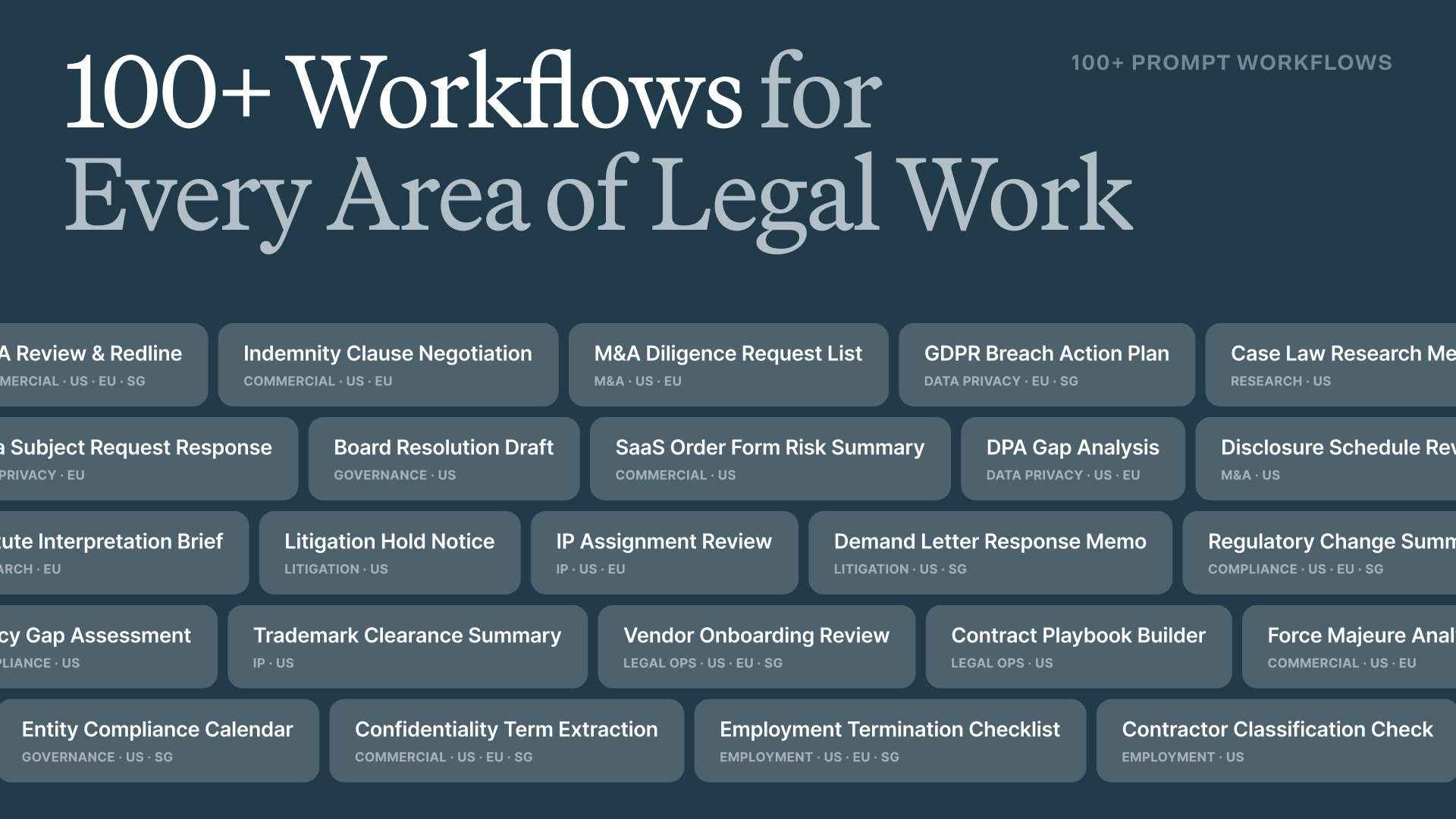
More than 100 attorney-built prompt workflows at your fingertips.
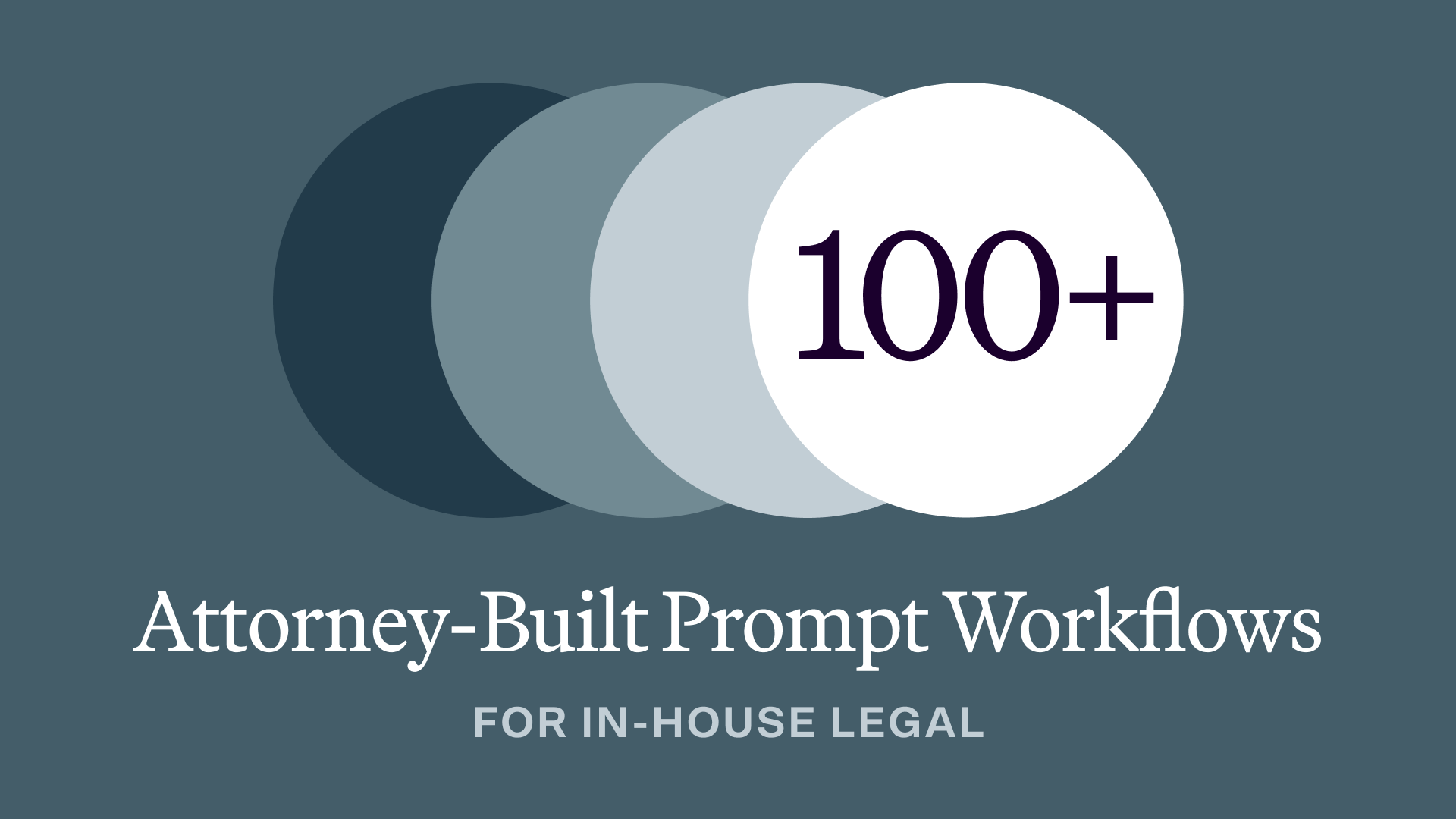
Your LegalOn Prompt Library now has 100+ ready-to-use prompt workflows that turn generic AI output into legal work you can actually use. Every workflow is drafted by attorneys and tested against real legal standards, plus each can be customized to your standards and saved as your own. Prompt Workflows span ten practice areas—commercial contracts, data privacy and security, employment and labor, compliance and ethics, M&A, litigation, IP, corporate governance, legal research, and legal operations—in US, EU, and Singapore variants, so the output reflects your jurisdiction from the start.
Why it matters: Generic AI doesn't know your risk tolerance, your jurisdiction, or how your team likes to redline a limitation of liability clause. So while every output might sound plausible, you still have to spend the time doing the legal-check yourself. With Prompt Workflows, we’ve already done the thinking for you.
Try it: Sign in > Open your Prompt Library > click LegalOn in the top navigation > search by keyword or filter by practice area or tag > edit any prompt workflow > save for reuse
All features are live and available to LegalOn customers.
Want to know more? Contact us or reach out to your customer success manager.