.svg)

Improving legal productivity starts with the one thing most legal department metrics miss: an honest accounting of where the hours actually go. A contract request lands in your inbox on a Tuesday morning, but it’s incomplete. No risk level, no urgency flag, not even a clear sense of what kind of agreement it is. Before anyone can start the actual review, someone has to go back and forth with the business just to understand what they're looking at.
That's most requests, on most days, for most in-house legal teams.
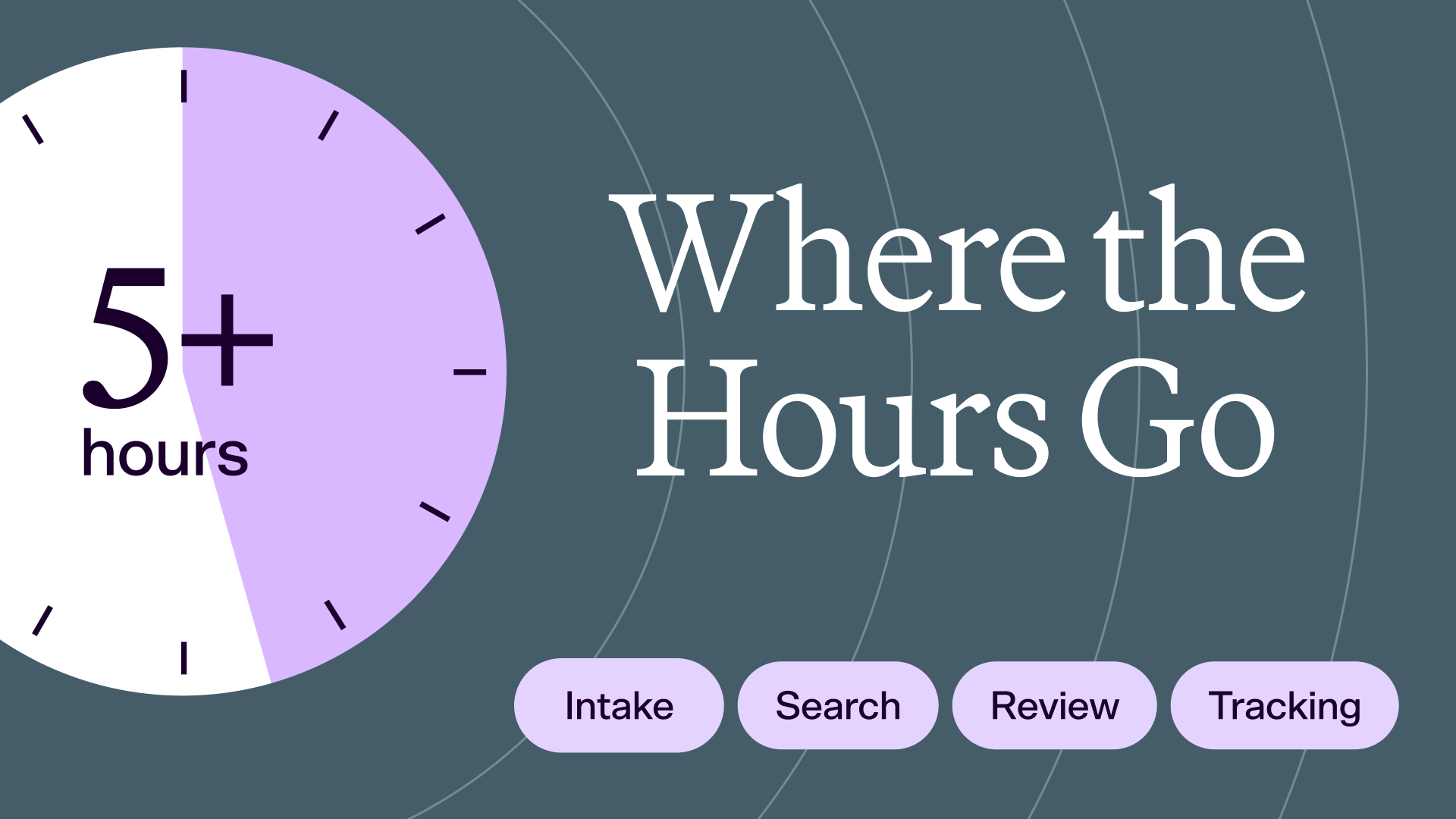
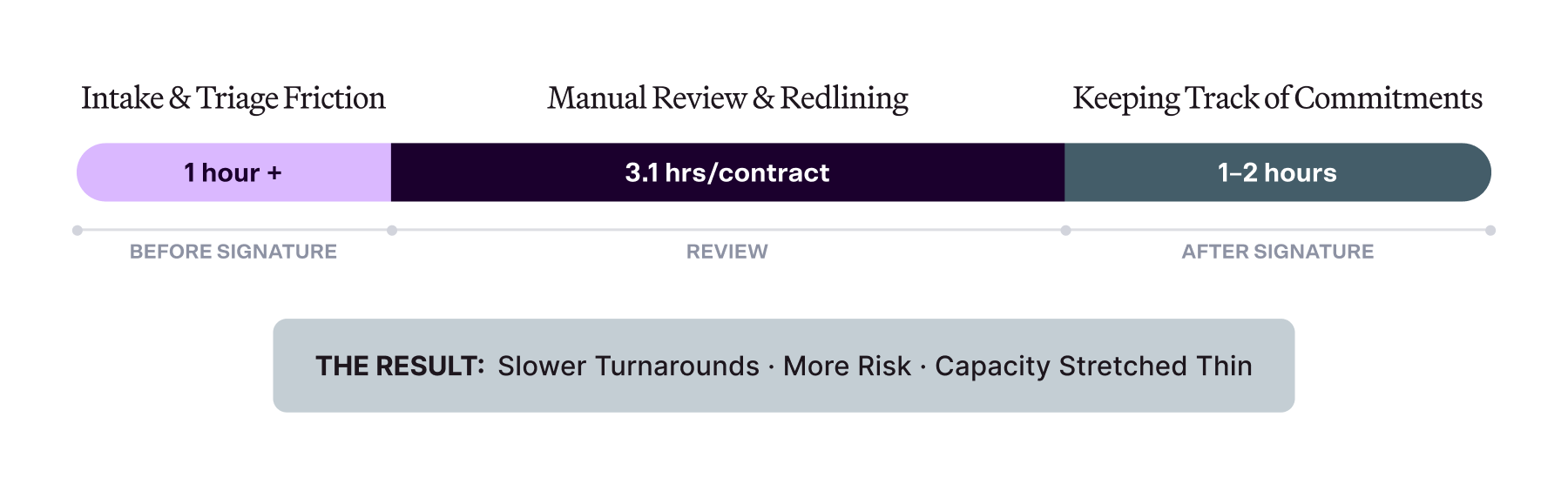
We surveyed nearly 500 legal professionals to find out exactly where the time goes. Their answers fall into four main categories, and together, the time lost adds up to a number far too large to ignore.
Most legal teams know intuitively that too much of the week disappears into work that isn't strategic. Far fewer can say where it goes, how much it costs, or which part of the process to fix first. Legal productivity has long been treated as something you sense rather than something you measure, and that instinct is exactly what drains legal department efficiency.
It's also what makes the business case for new tools hard to win. When a General Counsel asks for headcount or new tools, "we're stretched thin" carries less weight than "we lose 4,000 hours a year to non-strategic work."
The good news: adoption of AI is climbing fast, and our research shows that most teams are moving from experimentation to everyday use.
But knowing AI can help isn't the same as knowing where it should. So we went straight to the source: we surveyed nearly 500 in-house legal professionals and asked them to name their biggest time sucks.
Their answers fall into four distinct time drains, and quantifying each one is the first step toward getting the time back.
"The strategic work—the advice that actually moves the business—keeps getting pushed to tomorrow. Not because lawyers don't want to do it. Because the operational work never stops arriving." — Bari A. Williams, Head of Legal & Legal Content at LegalOn
A legal team handling 1,000 contracts a year loses 4,000 to 5,000 hours annually to work that isn't strategic. That's before the ad hoc requests and time spent explaining why something is taking as long as it is.
That number doesn’t mean work more or work harder. It's an argument for working smarter using tools that address all four drains, not just one of them. A faster review tool alone doesn't fix intake. A better search function alone doesn't fix tracking. The four drains are connected, and solving them one at a time just means the other three remain in place.
The strategic work—advice that moves the business and requires legal expertise—keeps getting pushed to tomorrow because the everyday operational work never stops arriving and the right tool isn’t in place to help manage it.
Fixing one drain buys back a few minutes. Fixing all four changes what a legal team spends its time on.
You can't improve legal productivity you don't measure. Most legal departments track a handful of generic productivity numbers, such as total workload and matters per lawyer.
Those still matter for reporting to leadership, but generic metrics only tell you that the team is stretched. It’s much harder to understand where the time goes.
If you measure each stage of the workflow, you can see precisely which part of the process is costing you and act on it. Drill any of these down by contract type or across time to see where performance is slipping.
Roll these up into department-wide metrics, such as matter cycle time and open matters over time, and you can report legal productivity as business impact. When the same clause gets reviewed consistently and renewals stop slipping past the deadline, that's a number a General Counsel can take to wider leadership.
Legal productivity tools fall into distinct categories, and each one was built to eliminate the most common time drains in legal teams.
Addresses the review drain. AI contract review cuts review time and flags risk against defined standards, delivering a marked-up first pass instead of a blank document. Accuracy depends heavily on how well the tool aligns to your playbooks, and quality varies widely by vendor.
LegalOn Review runs first-pass review and one-click redlining inside Microsoft Word, checking each provision against attorney-built playbooks rather than generic AI output.
Addresses the intake drain. Matter management tools structure how work arrives, such as request intake, ownership, and deadlines. Nothing waits in an inbox for someone to notice it.
LegalOn Matter Management captures every request in a single structured queue with risk level, urgency, and contract type specified up front.
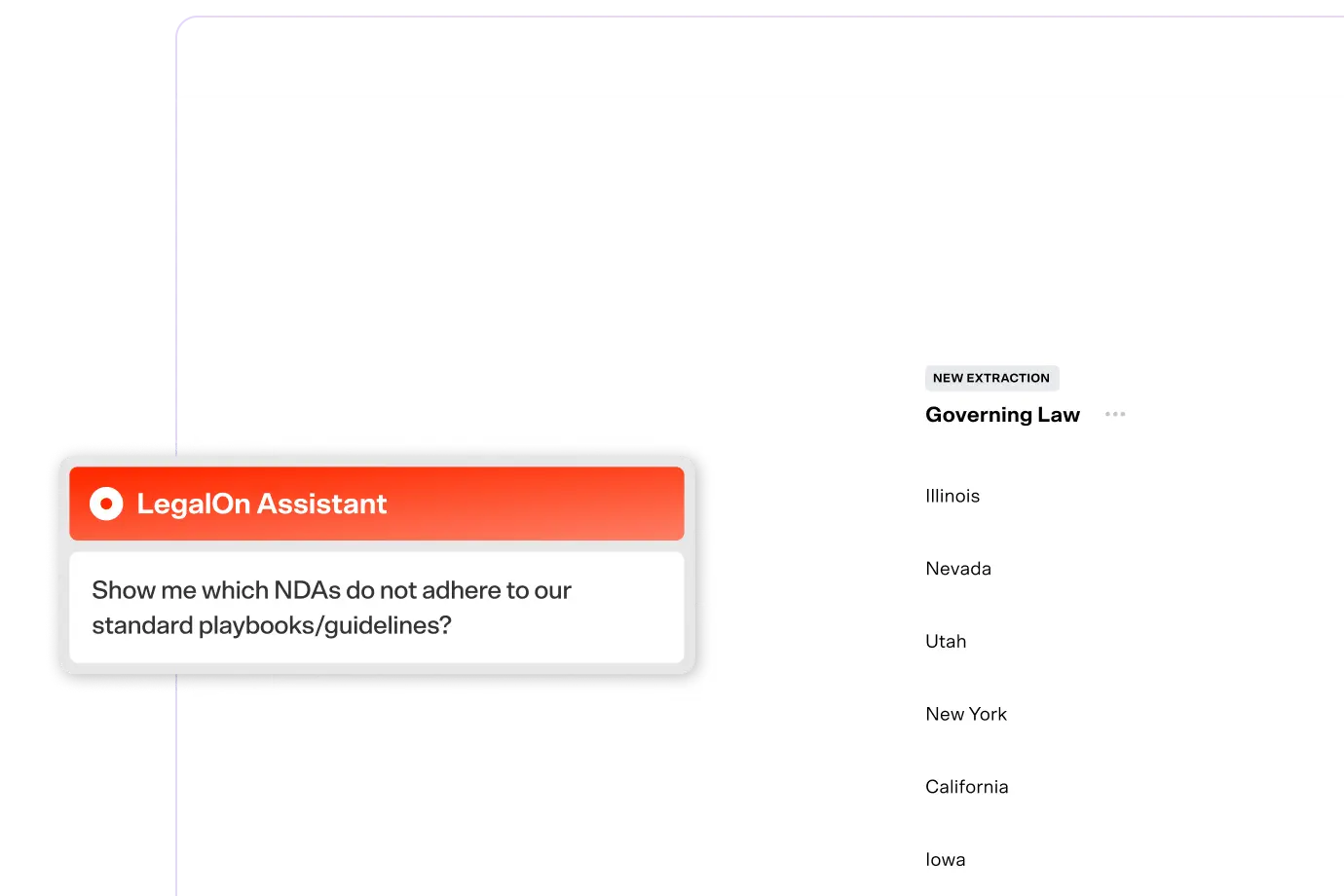
Addresses the search drain. AI legal assistants speed up research, drafting, and contract Q&A, giving attorneys fast answers grounded in a document. They aren't a substitute for structured, provision-level review.
LegalOn Assistant answers questions, drafts language, and summarizes contracts using your team's legal knowledge rather than generic training data.
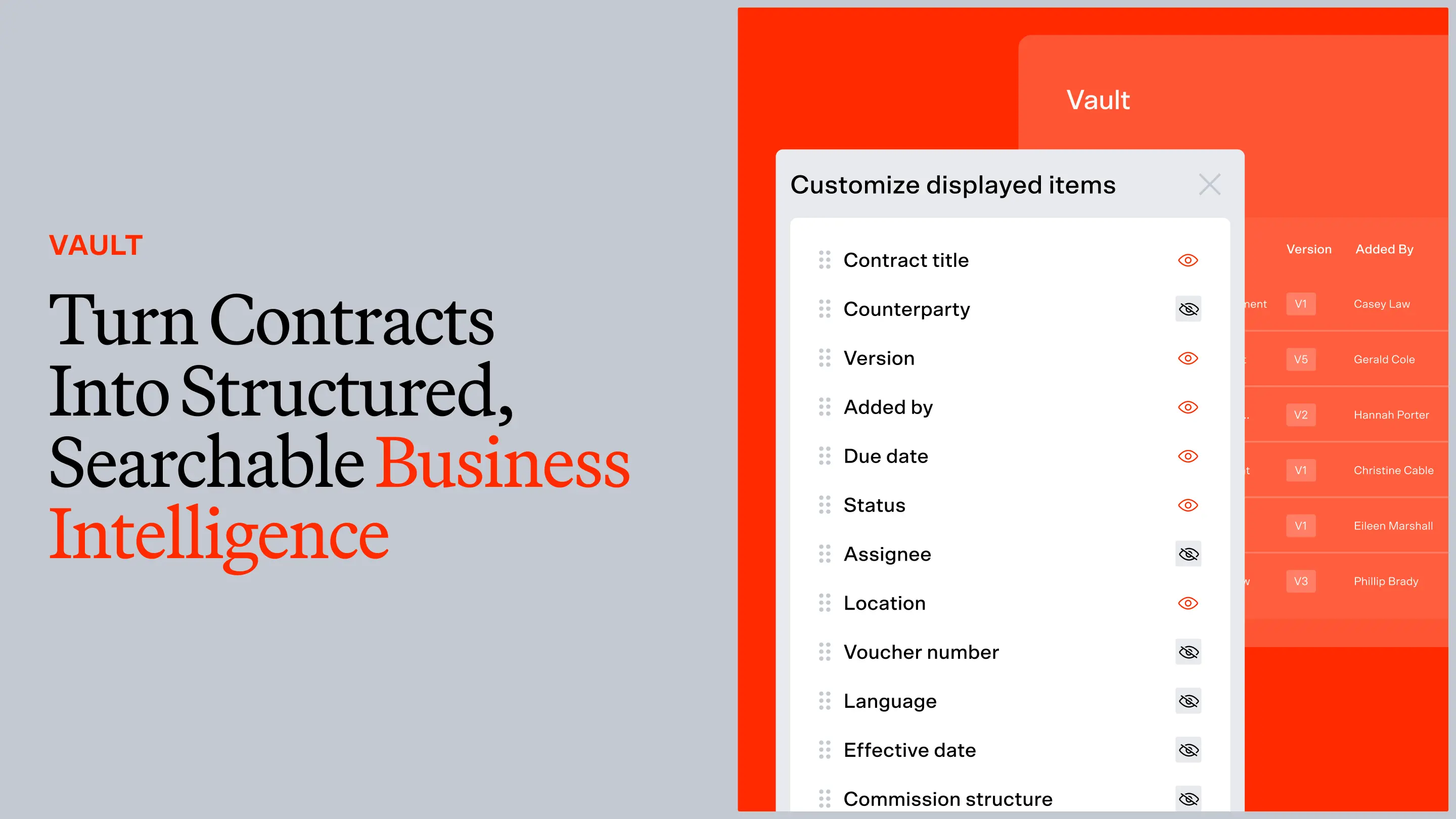
Addresses the tracking drain. Contract intelligence turns executed agreements into searchable business data: obligations, key terms, and renewal dates you can actually find. It's only as good as the underlying agreements.
LegalOn Vault makes signed contracts and institutional knowledge searchable across the team, so what one attorney negotiated is available to everyone.
Spans intake and review. Agentic workflows automate multi-step tasks end to end, provided there are well-defined playbooks and human oversight in place.
LegalOn's agentic AI coordinates repetitive steps — intake to review to approval — while keeping an attorney in the loop on judgment calls.
Addresses the tracking drain. Contract lifecycle management (CLM) handles post-signature tracking and renewals, keeping executed agreements organized after the deal closes. A standalone CLM is often slow to implement and delivers limited value before signature, but can be valuable for departmental efficiency.
Addresses the search drain. Legal research platforms deliver faster case law and statutory insight through AI-powered search. They often sit siloed from contract and matter workflows.
Adjacent to the four drains. Legal spend management improves cost visibility, helping you track invoices, budgets, and outside counsel without touching the speed of core legal work. It's a useful reporting layer, but it won't move review, intake, search, or tracking time.
Before you compare vendors, decide what you're actually measuring against. The right evaluation tests each tool on your own contracts, your standards, and your workflow.
A few questions to help you identify a platform that holds up in production:
The best question to bring to any vendor conversation isn't "do you have AI?" Every vendor has AI. It's "what have you built around it?"
Want the full picture?
This is one piece of a larger framework for evaluating legal AI on what matters to in-house teams, including data from 3,282 head-to-head contract reviews across 11 AI models.
Download the full guide: Legal AI, Evaluated







.png)